
How to Get a ClickFunnels 30-Day Free Trial (Step-by-Step)
⚡ Quick Answer
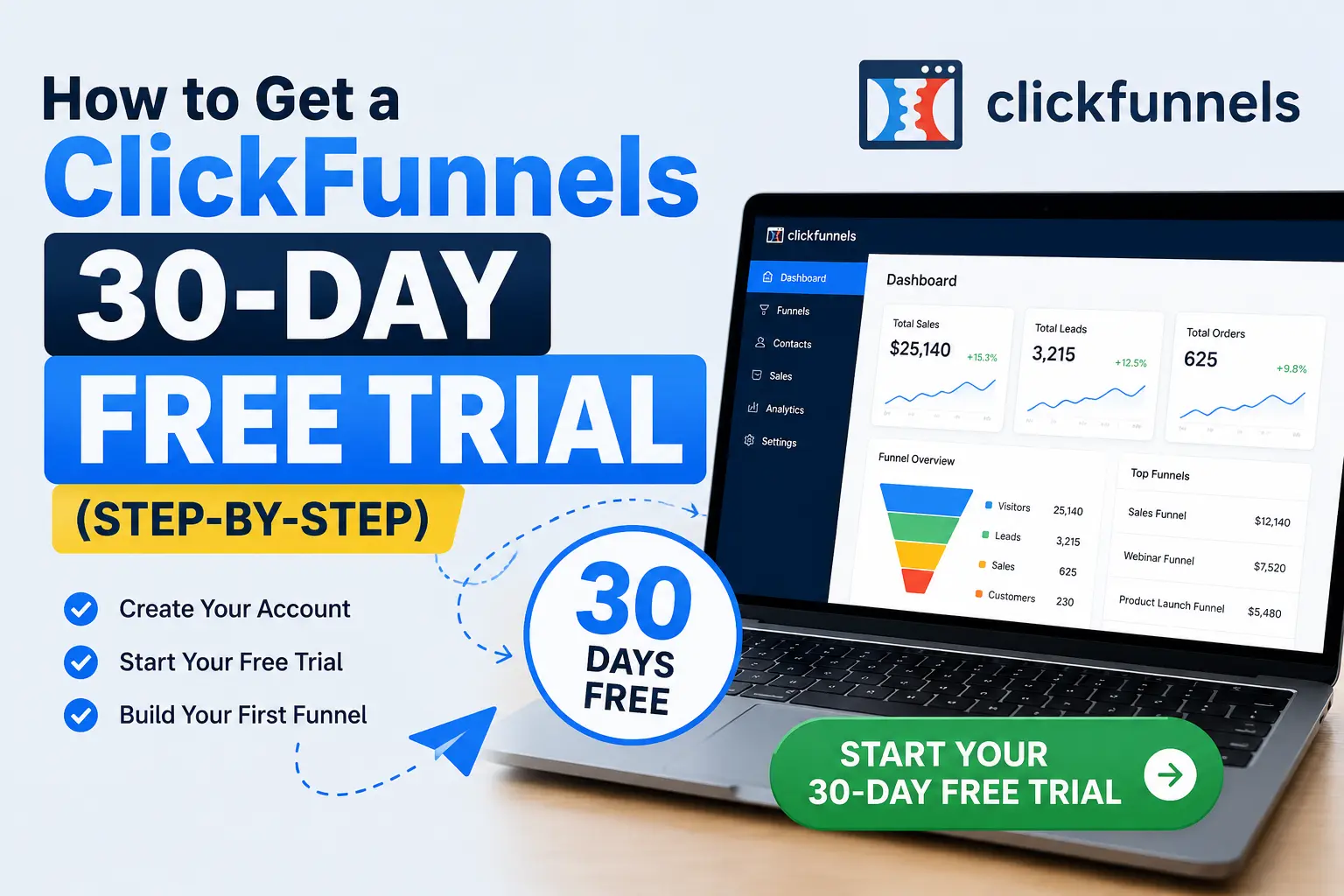
ClickFunnels’ standard free trial is 14 days, not 30. A true 30-day trial only shows up occasionally, tied to specific promotions like Your First Funnel Challenge. You’ll always need a card to start, and you won’t get charged unless you skip cancelling.
How to Sign Up
-
1
Go to the official ClickFunnels signup page -
2
Pick a plan and enter your email and card details -
3
Set a cancel reminder before the trial clock runs out
Before You Hand Over Your Card
-
✓
Confirm the trial length shown on the actual checkout page -
✓
Ignore “hidden 30-day link” claims from random blogs -
✓
Cancel through Billing settings, not by ignoring the email
| Product Name: | ClickFunnels |
| Extra Benefit: | TwoComma Club Plan and Secret Plan |
| Discount: | 6 Months ClickFunnels Platinum + Bonuses for only $997 |
| Special Offer: | 12 Months of ClickFunnels + Funnel Scripts Deal |
| Free Trial: | 14 Days Free |
You typed “ClickFunnels 30-day free trial” into Google because you want more runway to build your first funnel before any money leaves your account. Fair enough — building a funnel, writing copy, and testing pages takes longer than a weekend.
Here’s the honest version, from Ashraful: the 30-day trial isn’t ClickFunnels’ current standard offer. It shows up now and then tied to a specific program, and most sign-ups today land on a 14-day trial instead. Below, you’ll get the real steps to sign up, what actually determines your trial length, and how to avoid getting charged before you’re ready.
📌 Key Takeaways
-
→
14 days is ClickFunnels’ current default trial length for new signups. -
→
30-day access has historically come through Your First Funnel Challenge, not a direct trial signup. -
→
A card is required for every trial path — free or extended. -
→
Cancelling on time in Billing settings is the only way to avoid an automatic charge.
How Long Is the ClickFunnels Free Trial, Really?
ClickFunnels’ standard offer is a 14-day free trial on its Startup or Pro plans. That’s what you’ll see if you go straight to the ClickFunnels site and click “start free trial” today.
The 30-day version is real, but it isn’t the default path. It has appeared in the past tied to Your First Funnel Challenge, a paid onboarding program that bundles extra trial time with a guided build-along. Some third-party affiliate sites also advertise “secret” or “exclusive” 30-day links — treat those with caution, since trial length is set by ClickFunnels, not by any blogger’s link.
Step-by-Step: Signing Up for Your Free Trial
Whichever trial length you land on, the signup flow is nearly identical. Here’s what to expect.
🔢 Step-by-Step: ClickFunnels Trial Signup
-
1
Open the official signup page
Go directly to clickfunnels.com and choose “Start Free Trial.”
-
2
Choose a plan
Startup or Pro — the trial applies to both, so pick based on features you’ll actually use.
-
3
Enter your email and business name
This creates your account and workspace.
-
4
Add your card details
Required to activate the trial. You’re not charged until the trial ends.
-
✓
Confirm and start building
You now have full access to build and publish real funnels during the trial.
So what does that mean for you? Once you’re in, treat it like a 2-week (or 30-day, if that’s what you got) sprint — build one funnel, publish it, and see real traffic before deciding whether to keep paying.
Do You Need a Credit Card to Start the Trial?
Yes. ClickFunnels asks for card details on every trial path, whether you end up with 14 days or 30. This isn’t unique to ClickFunnels — most SaaS free trials work this way, since it verifies you’re a real customer and keeps the transition to paid seamless if you decide to stay.
⚠️ Warning
If you don’t cancel before the trial ends, ClickFunnels will automatically bill your card for the plan you selected. There’s no separate warning call — the charge happens on the renewal date.
That’s not just ClickFunnels being strict. Free trials that auto-convert to paid subscriptions fall under the FTC’s guidance on negative-option billing, which is the same rule that governs most “free trial” software and subscription boxes. The takeaway for you: read the renewal date on your confirmation email, and set your own reminder — don’t rely on the seller to nudge you.
How to Cancel Before You’re Charged
Cancelling takes under two minutes if you do it inside your account rather than trying to email support.
✓ Cancellation Checklist
-
✓
Log in and open the Settings gear icon -
✓
Go to Billing, then the Subscriptions tab -
✓
Click the three dots next to your plan and choose Cancel -
✓
Back up any funnels or copy you want to keep first
Do this a day or two before your renewal date, not the morning of — time zones and processing delays have burned people before.
What Most People Get Wrong About the 30-Day Trial
Three beliefs trip people up on this topic more than any others.
📋 Common Misconceptions
-
“30 days is standard”: It isn’t. The current baseline is 14 days; 30-day access is tied to specific programs or promotions. -
“A special affiliate link doubles the trial”: Trial length is controlled by ClickFunnels’ checkout system, not by which link you clicked. -
“No card, no risk”: A card is required either way, so the real safeguard is your own cancellation reminder, not the absence of billing info.
Frequently Asked Questions
Does ClickFunnels still offer a 30-day free trial?
Not as the standard offer. New signups today typically get 14 days. Extended 30-day access has appeared through Your First Funnel Challenge and occasional promotions, so always check the exact terms shown at checkout.
Can beginners use ClickFunnels during the trial?
Yes. The drag-and-drop editor and pre-built templates are made for people with no coding or design background, and the trial gives full access to build real, publishable funnels.
Can I make money during the free trial?
Yes, you can set up real funnels, collect leads, and take payments while on the trial. Nothing about being on a trial plan limits whether your funnel can generate sales.
Will I be charged automatically after the trial ends?
Yes, unless you cancel first. ClickFunnels bills the card on file for your chosen plan once the trial period ends, with no separate confirmation step.
Can I cancel my ClickFunnels trial at any time?
Yes. Cancel from Billing settings inside your account at any point during the trial, and your access ends without a charge as long as you do it before the renewal date.
Can I request a trial extension?
You can ask ClickFunnels support through live chat, but extensions are handled case by case and aren’t guaranteed. Don’t count on one when planning your build timeline.
What’s the difference between the ClickFunnels plans during the trial?
The trial mirrors whichever plan you pick at signup — Startup gives core funnel-building tools, while Pro adds higher limits and extra automation. See our full breakdown of ClickFunnels plans for the details.
Bottom Line
The honest answer is simpler than most “secret link” articles make it sound: ClickFunnels’ real default is a 14-day trial, and 30 days only appears through specific programs like Your First Funnel Challenge. Either way, you’ll need a card, and cancelling on time is entirely on you.
If your goal is just to test the platform, use the time you’re given to build and publish one working funnel rather than chasing a longer trial. If you decide ClickFunnels isn’t the right fit, check out our breakdown of ClickFunnels pricing or what’s new in ClickFunnels 2.0’s trial before you commit further.
One thing to do right now: open your calendar and set a reminder 2 days before your trial’s renewal date — before you even finish signing up.
You May Also Like:
