
GoHighLevel AI Guide: Every Feature Explained (2026)
⚡ Quick Answer
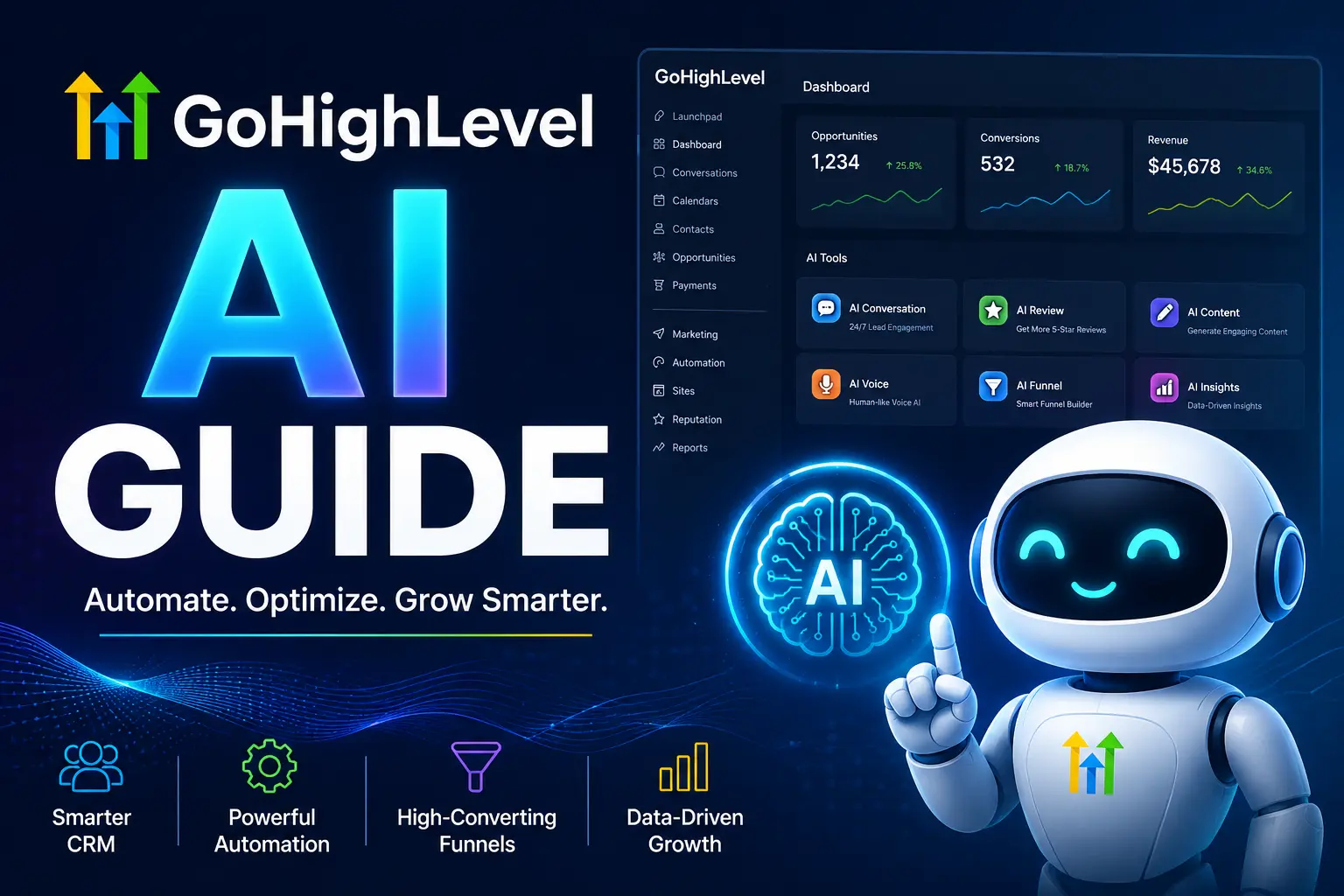
GoHighLevel AI is a set of built-in tools — Conversation AI, Voice AI, Workflow AI, and AI Employee — that answer leads, book calls, and build automations for you. It’s included on every plan starting at $97/month, with AI Employee Unlimited as a $97/month add-on that removes usage caps.
GoHighLevel AI Tools at a Glance
- Conversation AI: replies to SMS, chat, and DMs in seconds, 24/7.
- Voice AI: answers calls, qualifies callers, and books appointments.
- Workflow AI: builds automation skeletons from a plain-English prompt.
Before You Turn It On
-
✓
Keep your AI prompt under 500 words -
✓
Set a monthly AI credit cap before you launch -
✓
Pilot on one number before rolling out account-wide
| Platform: | GoHighLevel |
|---|---|
| Trial types: | 14-day standard, 30-day extended partner trial |
| 30 Days Trial: | Available ($0 trial for 30 days) |
| Price: | $97-$297 |
| Discount: | 20% OFF on all plans (save $994/year) |
| Special Offer: | 30-day free trial |
| Cancel: | Anytime from your billing settings before the trial renews |
Your phone buzzes at 9 p.m. with a lead who found you on Google. You’re at dinner. By the time you text back the next morning, they’ve already booked with someone else. That’s the gap GoHighLevel AI was built to close, and it’s why so many agencies and small businesses, guided by writers like Ashraful, have shifted their whole client communication stack onto it.
GoHighLevel is an all-in-one CRM and marketing platform, and its AI layer now touches almost every part of that system — chat, phone calls, and workflow building. In 2026, that AI layer stopped being a nice extra and became the main reason agencies are switching to the platform.
Below is a plain breakdown of what each GoHighLevel AI tool actually does, what it costs, and how to set it up without wasting your first month.
📌 Key Takeaways
-
→
Three core tools — Conversation AI, Voice AI, and Workflow AI — do the heavy lifting. -
→
Base pricing stays flat at $97, $297, or $497 a month; AI Employee Unlimited is a $97/month add-on per sub-account. -
→
Voice AI now works with a phone number you already own — you no longer need to buy a GoHighLevel number first. -
→
Short prompts win. A focused, sub-500-word system prompt outperforms a long, vague one almost every time.
What Is GoHighLevel AI?

GoHighLevel AI is the set of native AI tools built into the GoHighLevel CRM. It’s not a bolt-on chatbot — it’s woven into your contacts, calendar, and pipeline, so an AI conversation can actually book an appointment or move a deal forward on its own.
The idea is simple. Instead of paying for a separate chatbot tool, a separate call-answering service, and a separate automation builder, you get all three inside the CRM you’re likely already paying for. Agencies say this alone can replace $800 to $1,700 a month of standalone software with a single subscription that starts at $97.
You might be thinking an all-in-one AI layer sounds like it does everything shallowly. Here’s why that’s not quite right: each tool — Conversation AI, Voice AI, Workflow AI — is built for one job, and each one connects to the same contact record, so nothing gets lost between a chat, a call, and a follow-up email.
What Are GoHighLevel’s Core AI Features?
GoHighLevel ships eight or more AI features, but three of them do almost all the work that used to require a paid human: Conversation AI, Voice AI, and Workflow AI. The rest — Content AI, Funnel AI, Reviews AI, Ask AI, and Agent Studio — are useful, but they support marketing and reporting rather than replacing a role. If you want the full breakdown of the bundled AI add-on, see our GoHighLevel AI Employee guide.
Here’s how the main tools break down by job and channel.
Conversation AI, Voice AI, and Workflow AI are the ones worth setting up first — they touch revenue directly.
So what does that mean for you? If you only have an hour to spend this week, spend it on Voice AI and Conversation AI. Those two decide whether a lead gets an answer in three seconds or three hours, and speed to lead is still one of the biggest predictors of whether that lead ever becomes a customer.
How Does GoHighLevel Voice AI Work?
Voice AI answers your business phone line instead of sending the caller to a ring-and-give-up or voicemail. It greets the caller, asks what they need, and holds a real back-and-forth conversation using natural-sounding speech. If the caller wants an appointment, it checks your live calendar and books it on the spot. If the caller needs a person, it transfers the call and briefs the human on everything said so far.
As of April 2026, you can test Voice AI on a phone number you already own — you’re no longer forced to buy a new GoHighLevel number just to try it. That removed one of the biggest friction points during a trial.
🔢 Step-by-Step: Turning On Voice AI
-
1
Connect a phone number
Use your existing business line or buy a new one through LC Phone.
-
2
Write a focused prompt
Under 500 words: business name, services offered, services you don’t offer, and tone.
-
3
Set escalation rules
Define exactly when the call should transfer to a real person.
-
✓
Pilot for two weeks
Run it on one number, compare transfer rate to your human baseline, then expand.
For a full cost breakdown by call volume, check our GoHighLevel Voice AI pricing guide. Voice AI is billed per minute through LC Phone. With the AI Employee Unlimited add-on ($97/month per sub-account), the AI usage itself is included, but phone charges still apply separately. Most small businesses handling 50 to 100 calls a month land around $20 to $50 in extra phone costs.
How Does GoHighLevel Conversation AI Work?
Conversation AI is the text-based sibling of Voice AI. It reads incoming messages across SMS, your website’s live chat, Facebook Messenger, Instagram DMs, and WhatsApp, then replies the way a trained front-desk person would — without the wait.
You already know that a lead who messages a business at 11 p.m. usually doesn’t get a reply until the next morning. Here’s what’s new: GoHighLevel’s own data shows a reply inside three seconds can lift conversion rates by roughly 400% compared to a 30-minute response time. So if you run a business that gets after-hours inquiries, that gap is pure lost revenue, not just inconvenience.
In 2026, Conversation AI also picked up two upgrades worth knowing about. Auto-Suggestive Mode drafts a reply in the background before your staff even opens the message, so a human can approve and send in seconds instead of typing from scratch. And the model now understands voice notes and text in more than 30 languages, replying in the same language it was messaged in.
✅ Tip
Train Conversation AI on 20 real customer objections before you write booking rules. Generic FAQ training alone tends to push accuracy below 70%.
How Much Does GoHighLevel AI Cost?
Base GoHighLevel pricing didn’t change with the AI rollout: Starter is $97/month, Unlimited is $297/month, and Agency Pro (formerly SaaS Pro) is $497/month. Core AI features — Voice AI, Conversation AI, Content AI, Funnel AI, and Workflow AI — come included on all three plans at no extra charge.
Where costs actually add up is usage, not the base plan.
Set a hard monthly AI credit cap in Agency Settings before you launch, so a busy week doesn’t turn into a surprise invoice.
What Most People Get Wrong About GoHighLevel AI
“AI will sound robotic and annoy my customers.” That was fair criticism a year or two ago. The 2026 voice engine handles pauses, filler words like “got it,” and conversational pacing well enough that most callers don’t realize they’re talking to AI unless they’re told directly.
“I need a GoHighLevel phone number before I can test Voice AI.” Not anymore. Since April 2026, you can pilot Voice AI on a number you already own, which means you can test it risk-free before committing to a new line.
“Turning on AI means firing my front-desk staff.” Most agencies use it the opposite way — AI handles the after-hours and overflow volume a small team could never keep up with, while a human still handles the calls and messages that need real judgment.
How Do You Set Up GoHighLevel AI for Your Business?
Getting started doesn’t require a technical background. Most of the setup is writing a clear prompt and connecting your calendar — the platform handles the rest.
📋 What You’ll Need Before You Start
-
An active GoHighLevel plan: any of the three tiers includes core AI at no added cost. -
A connected calendar: so AI can actually see and book open slots. -
A written business knowledge base: services, pricing ranges, and what you don’t offer. -
A valid payment method on file: required to activate any AI feature, even during a free trial.
Once those pieces are in place, most agencies can have Conversation AI answering leads the same day, and Voice AI live within a week after a short testing period.
The businesses getting the most out of GoHighLevel AI in 2026 aren’t the ones that turned on every feature at once. They’re the ones that started with Conversation AI or Voice AI, wrote a tight prompt, and expanded from there. AI adoption among U.S. small businesses is still climbing — Census Bureau survey data shows usage growing fastest among firms with 20 or more employees — so the businesses that get their AI setup right now have a real head start on slower-moving competitors.
One thing to do right now: open your GoHighLevel account, go to Conversation AI, and write a 500-word prompt covering your business name, services, and one clear escalation rule. That’s the single step that turns AI from a demo into something actually answering leads tonight.
Frequently Asked Questions
Is GoHighLevel AI included in every plan?
Yes. Core AI tools — Voice AI, Conversation AI, Content AI, Funnel AI, and Workflow AI — are included on Starter, Unlimited, and Agency Pro plans. AI Employee Unlimited is a separate $97/month per sub-account add-on for unlimited usage.
Do I need to buy a new phone number for Voice AI?
No, not since April 2026. You can activate Voice AI on an existing business number, so you can test it before deciding to move your line to GoHighLevel entirely.
How many languages does GoHighLevel AI support?
Voice AI supports 19 or more languages with 340+ voice options, and Conversation AI now auto-detects and replies in over 30 languages across chat channels.
Can GoHighLevel AI actually book appointments?
Yes. Both Voice AI and Conversation AI connect directly to your calendar, so they can check real-time availability and book a confirmed slot without a human touching the calendar.
What’s the difference between Conversation AI and Voice AI?
Conversation AI handles text-based channels — SMS, web chat, Instagram, WhatsApp. Voice AI handles live phone calls, including natural back-and-forth conversation and transfers to a human agent.
Is there a free trial for GoHighLevel AI?
GoHighLevel offers a standard 14-day free trial, and sub-accounts that haven’t previously used AI agents may qualify for extended promotional access. A valid payment method is required to activate AI features even during a trial.
What is Workflow AI in GoHighLevel?
Workflow AI reads a plain-English description of what you want an automation to do and builds the skeleton — triggers, steps, and branches — so you edit and refine instead of building from a blank canvas.
