
GoHighLevel Website Builder Guide: Build a Site Without Code
⚡ Quick Answer
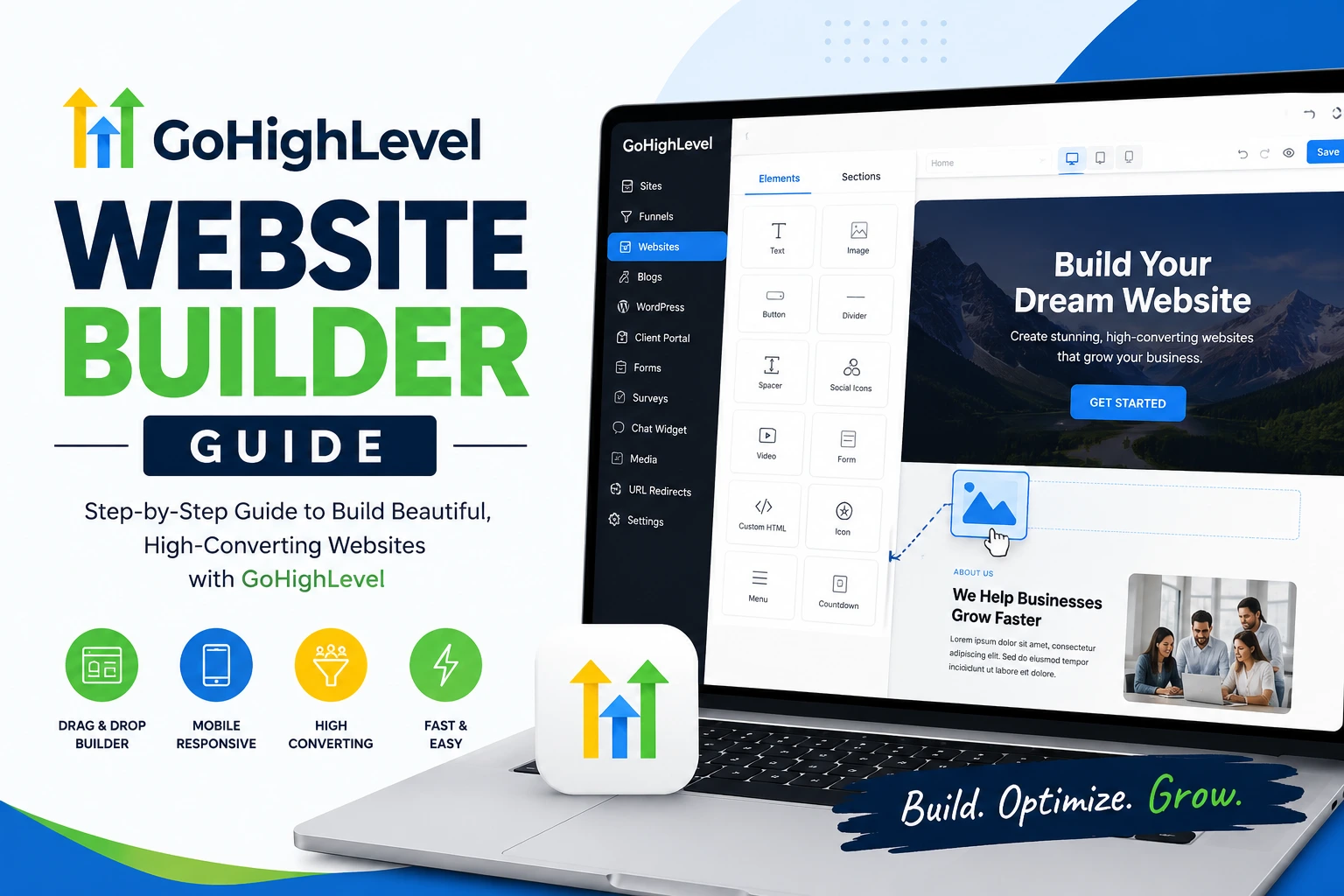
Yes, the GoHighLevel website builder is a drag-and-drop tool built into the GoHighLevel CRM. You pick a template, edit sections visually, connect it to your funnel and CRM data, then publish on a GoHighLevel subdomain or your own domain in under an hour.
How to build your GoHighLevel website
-
1
Open Sites → Websites inside your GoHighLevel account. -
2
Choose a template or start from a blank page. -
3
Edit sections, connect your domain, then publish.
Mistakes to avoid
-
✓
Don’t skip mobile preview before publishing. -
✓
Don’t forget to connect your custom domain’s DNS.
You’ve been quoted $3,000 for a five-page website, and it still won’t talk to your CRM. That’s the problem GoHighLevel’s website builder was made to solve. I’m Ashraful, and I’ve used GoHighLevel to launch client sites without touching a single line of code.
GoHighLevel bundles a drag-and-drop site builder with its CRM, funnel builder, and automation tools in one login. That means your website isn’t just a brochure — it’s wired directly into your leads, calendars, and follow-up campaigns.
Here’s exactly how the builder works, what it can and can’t do, and how to get your first page live today.
📌 Key Takeaways
-
→
The builder is free with any GoHighLevel plan — no separate website charge. -
→
Sites connect natively to your CRM, forms, calendars, and pipelines. -
→
Custom domains connect through a CNAME or A record you set at your registrar. -
→
Agencies can white-label the builder and resell it under their own brand.
What Is the GoHighLevel Website Builder?
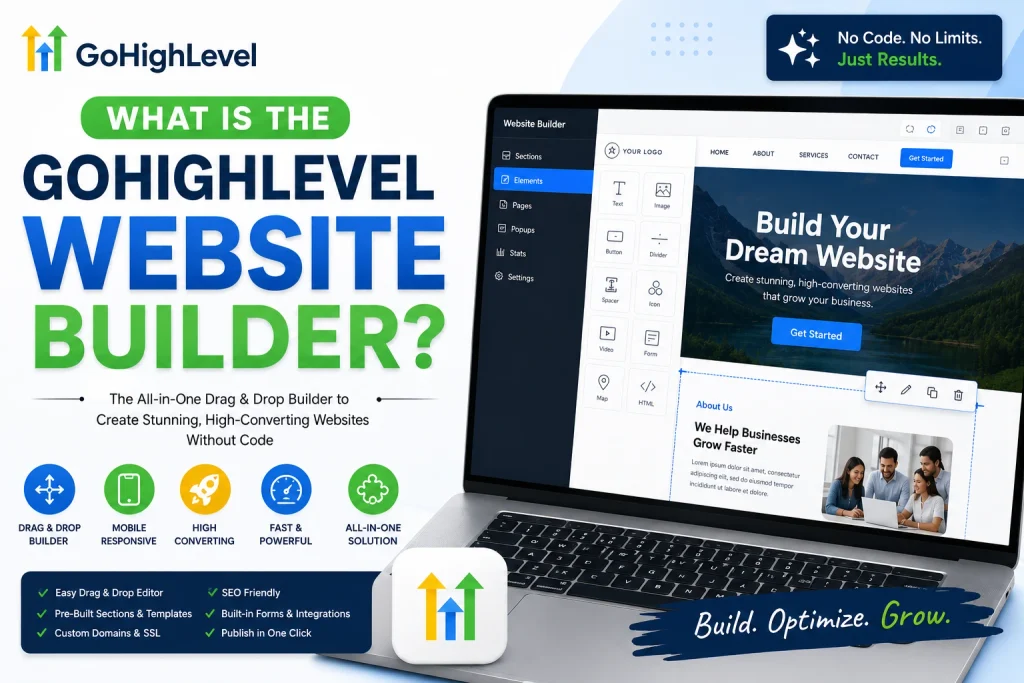
The GoHighLevel website builder is a visual, drag-and-drop editor built directly into the GoHighLevel platform. You build pages by dragging sections — headers, testimonials, forms, pricing tables — onto a canvas, then edit the text and images in place.
Unlike a standalone site builder, it shares data with the rest of GoHighLevel. A form on your homepage can drop a new lead straight into your CRM pipeline and trigger a follow-up text automatically.
✅ Tip
Use the builder for your full multi-page site, and save the separate Funnel Builder for single-purpose landing pages like webinar sign-ups.
How Do You Build a Website in GoHighLevel?
Building your first site takes five steps. None require a developer.
🔢 Step-by-Step: Launching Your Site
-
1
Open the Sites menu
Go to Sites → Websites in your sub-account, then click “New Website.”
-
2
Pick a template
Choose from the built-in library or import one from the GoHighLevel marketplace.
-
3
Edit each section
Click any element to change text, swap images, or adjust colors and fonts.
-
4
Connect your forms
Drop in a form or calendar widget and map it to your CRM pipeline.
-
✓
Publish and connect your domain
Your site goes live on a free subdomain, or your own domain once DNS is set.
What Features Does the Website Builder Include?
The builder covers everything a small business site needs, without add-on plugins. Here’s what’s built in.
📋 Core Website Builder Features
-
Drag-and-drop editor: Rearrange sections without touching code. -
Templates: Pre-built layouts for common niches like agencies, coaches, and local services. -
CRM-connected forms: Every submission lands directly in your pipeline. -
Booking calendars: Embed live scheduling without a third-party tool. -
Basic SEO controls: Meta titles, descriptions, and URL slugs per page.
How Do You Connect a Custom Domain?
Your site works on a free GoHighLevel subdomain right away. Most businesses want their own domain for branding and trust.
Go to your site’s settings, add the domain name, then update your DNS with the CNAME or A record GoHighLevel provides. Propagation usually finishes within a few hours.
⚠️ Warning
Don’t delete your old DNS records before the new ones are confirmed working — this can take your email offline too.
GoHighLevel Website Builder vs. WordPress vs. Wix
The right tool depends on whether you need a marketing engine or just a page.
| Feature | WordPress | GoHighLevel ✓ Best for CRM |
|---|---|---|
| Built-in CRM | Needs a plugin | ✓ Included |
| Design flexibility | Very high (themes + plugins) | Moderate |
| Monthly cost | Hosting + plugins vary | ✓ Included in your plan |
Choose WordPress if you need deep design control or a content-heavy blog. Choose GoHighLevel if your website’s real job is generating and tracking leads.
What Most People Get Wrong About the GoHighLevel Website Builder
“It’s the same as the funnel builder.” It isn’t. The funnel builder is for linear, single-goal pages like opt-ins. The website builder handles full multi-page sites with navigation menus.
“I need coding skills to customize it.” You don’t. Every element edits visually, though a “custom code” block exists for advanced users who want extra CSS or tracking scripts.
“My old domain will stop working immediately.” DNS changes take time to propagate. Your old site typically stays live until the switch fully completes.
Conclusion
The GoHighLevel website builder gives you a working, lead-capturing site without hiring a developer. It won’t out-design a custom WordPress build, but it wins on speed and CRM integration.
If you’re already running your business inside GoHighLevel, building your site there keeps every lead in one place.
One thing to do right now: log into GoHighLevel, open Sites → Websites, and pick a template to start editing.
Frequently Asked Questions
Is the GoHighLevel website builder free?
Yes. The website builder is included with every GoHighLevel subscription at no extra cost. You only pay your regular monthly plan fee, plus any domain registration cost if you use a custom domain.
Can I use my own domain with GoHighLevel?
Yes. Add your domain in the site settings, then point its DNS records to GoHighLevel using the CNAME or A record shown there. Most connections finish within a few hours.
What’s the difference between the website builder and funnel builder?
The website builder creates full multi-page sites with navigation. The funnel builder creates single, linear pages built around one goal, like a webinar sign-up or a checkout page.
Can agencies white-label the website builder?
Yes. Agencies on GoHighLevel’s Agency plans can rebrand the entire platform, including the website builder, and resell it to their own clients under their own name.
Does GoHighLevel have SEO tools built in?
Yes, at a basic level. You can set page titles, meta descriptions, and URL slugs per page. It doesn’t include the deep SEO plugins WordPress offers, like schema builders or content scoring.
Can I add custom code to a GoHighLevel site?
Yes. A custom code block lets you insert your own HTML, CSS, or JavaScript, such as tracking pixels or small design tweaks the visual editor doesn’t support.
Is GoHighLevel good for a blog-heavy website?
It can handle a blog, but it’s not built for content publishing at scale. If long-form blogging is your main strategy, WordPress usually offers more flexibility and better content tools.
