
Perspective Funnels Tutorial: Build a Funnel in 30 Minutes
⚡ Quick Answer
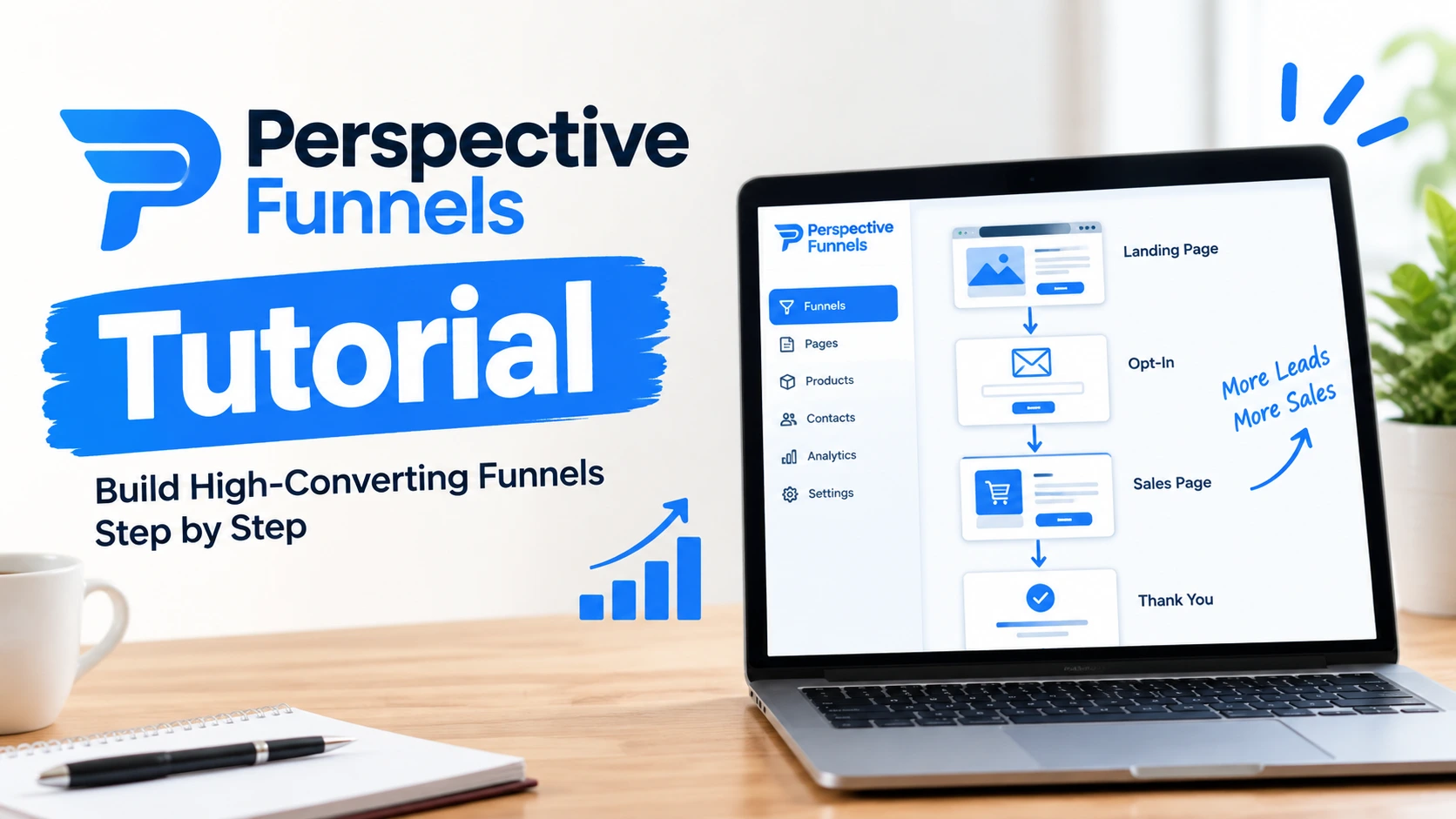
Perspective is a mobile-first funnel builder. You build a funnel in four steps: pick a template, edit the pages, connect your domain, and publish. Most people have a live funnel running in under 30 minutes, even with zero design experience.
The 4-Step Perspective Funnels Workflow
-
1
Pick a funnel template that matches your goal -
2
Edit the pages in the funnel editor -
3
Connect your custom domain -
4
Publish and start tracking leads
Mistakes First-Timers Make
-
✓
Trying to learn every feature before building anything -
✓
Skipping the domain connection until the funnel is “done” -
✓
Publishing without testing the link on an actual phone
Your thumb hovers over “Create Funnel” for the third time. You’ve read two reviews, watched a preview clip, and you still don’t know where to click first. That’s the exact spot most beginners get stuck in Perspective.
Perspective is a mobile funnel builder, and it earns that description honestly — the pages are designed to look and feel like an app on a phone screen, not a shrunk-down desktop site. This tutorial walks through the real workflow: opening the dashboard, choosing a template, editing your pages, connecting a domain, publishing, and tracking your first leads.
You don’t need design skills or code. You need about 30 minutes and a clear goal for what the funnel should do — collect leads, book appointments, or sell something.
📌 Key Takeaways
-
→
Templates come first. Every funnel starts from a pre-built template, not a blank page. -
→
The editor handles content only. Headlines, images, and buttons — no code required. -
→
Domain connection is a one-time setup and takes a few minutes through your DNS provider. -
→
Publishing is instant, but a working funnel still needs traffic to prove itself.
What Is Perspective Funnels?

Perspective (Perspective.co) is a funnel builder made specifically for mobile devices. Instead of designing a webpage and hoping it looks fine on a phone, every page starts out mobile-sized and mobile-shaped. The result feels closer to a native app screen than a traditional landing page.
It’s built for lead generation and appointment booking. Coaches, agencies, and local service businesses use it to collect leads, book calls, and run quizzes without hiring a developer.
So what does that mean for you? If your traffic comes mostly from Instagram, TikTok, or Facebook ads — places people browse on their phones — a mobile-first builder removes a layer of friction that a desktop-first tool never solves well.
Step 1: Open the Dashboard and Create a Funnel
Log in and you’ll land on the dashboard — this is where every funnel you build lives and where you’ll return to check performance. Click “Create Funnel” to start.
You’re asked what the funnel is for: lead generation, appointment booking, a quiz, or a sales page. Pick the option closest to your actual goal. This choice filters the templates you see next, so it’s worth 10 seconds of thought.
✅ Tip
Don’t try to build the “perfect” funnel type on your first attempt. Pick the closest match, publish it, and refine it after you see real visitor behavior.
Step 2: Choose and Customize a Template
Perspective ships with templates built around proven funnel structures — lead capture, appointment booking, quiz funnels, and application forms. Scroll until you find one close to your offer, then open it in the editor.
What You Can Edit
The editor covers everything a reader actually sees: headlines, body text, images, button labels, button links, and colors. You’re swapping content inside an existing structure, not designing from a blank canvas.
- Headlines: rewrite them to match your exact offer, not the generic template copy.
- Images: replace stock photos with real product or brand images where possible.
- Buttons: keep the action clear — “Book a Call” beats a vague “Submit.”
Here’s why that matters: a funnel is really a short conversation with the reader. Every screen should answer one question before moving to the next, so resist the urge to cram three offers onto one page.
Step 3: Connect Your Custom Domain
Every funnel gets a free Perspective subdomain automatically, but a branded domain looks more credible and performs better in ads. Connecting one takes three steps inside your DNS provider.
🔢 Connecting a Domain
-
1
Open domain settings in Perspective
Go to your funnel settings and choose “Connect Domain.”
-
2
Copy the DNS records shown on screen
Perspective gives you the exact CNAME or A record to add.
-
✓
Paste them into your domain registrar
Propagation usually finishes within an hour, sometimes up to 24.
⚠️ Warning
Don’t buy a new domain the same day you plan to run ads. DNS propagation delays can leave your link broken during launch.
Step 4: Publish, Test, and Track Leads
Publishing makes the funnel live at whatever URL you’ve set. That’s the whole action — one click, no build step, no waiting.
But here’s the thing most beginners skip: open the live link on an actual phone before sending any traffic to it. Check that buttons are tappable, text isn’t cut off, and forms submit correctly. A funnel that looks fine in the editor can still behave differently once it’s rendered on a real device.
Once traffic starts arriving, the dashboard shows visits, conversions, and drop-off by step. Leads collected through forms land in a simple built-in CRM view, where you can follow up manually or connect an email tool for automated follow-up.
Quick reference for what each part of the workflow controls.
Building the funnel takes about half an hour. The domain is the only step with a built-in wait.
Mobile speed and clarity aren’t cosmetic details — they show up directly in conversion numbers. Google’s research on mobile page speed found that sites loading in two seconds or less convert at a noticeably higher rate than the mobile average, which is a big part of why a mobile-native builder like Perspective has an edge over a desktop-first tool squeezed onto a small screen.
What Most People Get Wrong About Perspective Funnels
Mistake 1: Thinking you need to master every feature first. Analytics dashboards, inbox integrations, and workspace management all exist, but none of them matter until you have a live funnel generating data to look at. Build first.
Mistake 2: Treating the free subdomain as temporary. Some beginners avoid publishing until the custom domain is connected. There’s no reason to wait — you can test the entire funnel on the free subdomain and swap domains later without losing your setup.
Mistake 3: Assuming a template needs a full redesign. Templates are built around structures that already convert. Swapping the copy and images is usually enough — heavy redesigns tend to add time without adding results.
Frequently Asked Questions
How does Perspective Funnels work?
You pick a mobile-optimized template, edit the headlines and images in the built-in editor, connect a domain, and publish. The dashboard then tracks visits, conversions, and leads for every funnel step.
How do I create a funnel from a template in Perspective?
Click “Create Funnel,” choose the goal that matches your offer (leads, bookings, quiz, or sales), then pick a template from the filtered list. It opens directly in the editor for customizing.
How do I connect a custom domain in Perspective?
Open your funnel’s domain settings, copy the DNS record Perspective provides, and add it through your domain registrar. Propagation typically finishes within an hour, though it can take up to 24 hours.
Can I add Stripe payments to a Perspective funnel?
Yes. Perspective supports Stripe integration for funnels that need to collect payment, such as order forms or paid application steps. You connect it once in your account settings, then enable it per funnel.
How do I track leads and funnel metrics in Perspective?
The dashboard shows visits, conversions, and drop-off by step for each funnel. Submitted leads appear in a built-in CRM view, where you can follow up directly or connect an email tool for automated sequences.
Is Perspective good for WordPress users?
Perspective works as a standalone platform rather than a WordPress plugin, so it runs separately from your site. If you want a funnel built directly inside WordPress instead, a dedicated WordPress funnel builder may fit better.
What’s the difference between Perspective and ClickFunnels?
Perspective focuses on mobile-first, interactive funnels at a lower starting price. ClickFunnels offers a broader all-in-one suite with more built-in marketing tools. See a full breakdown in this ClickFunnels alternatives comparison.
Bottom Line
Perspective’s whole workflow boils down to four moves: template, edit, domain, publish. You don’t need to understand every dashboard feature before your first funnel goes live — most of them only become useful once you have real traffic to react to.
The mobile-first structure is what sets it apart from builders designed for desktop first and squeezed onto phones second. If most of your leads come from a phone screen, that difference shows up in your numbers.
One thing to do right now: open your Perspective dashboard, click “Create Funnel,” and pick a template — even if you don’t finish editing it today.
