
How to Use ClickFunnels for eCommerce: Step-by-Step Guide
Quick Answer
You can use ClickFunnels for eCommerce by creating a store, adding products, connecting payments, building product pages, and sending customers through optimized checkout and upsell funnels. The platform combines these tools with email automation and customer management, which you can explore further in this guide to ClickFunnels 2.0 features.
Set Up ClickFunnels for eCommerce in 6 Steps
- 1. Create your store: Choose a store template or build your storefront from scratch.
- 2. Add products: Upload product information, pricing, images, variants, and collections.
- 3. Connect payments: Configure your supported payment processor before accepting orders.
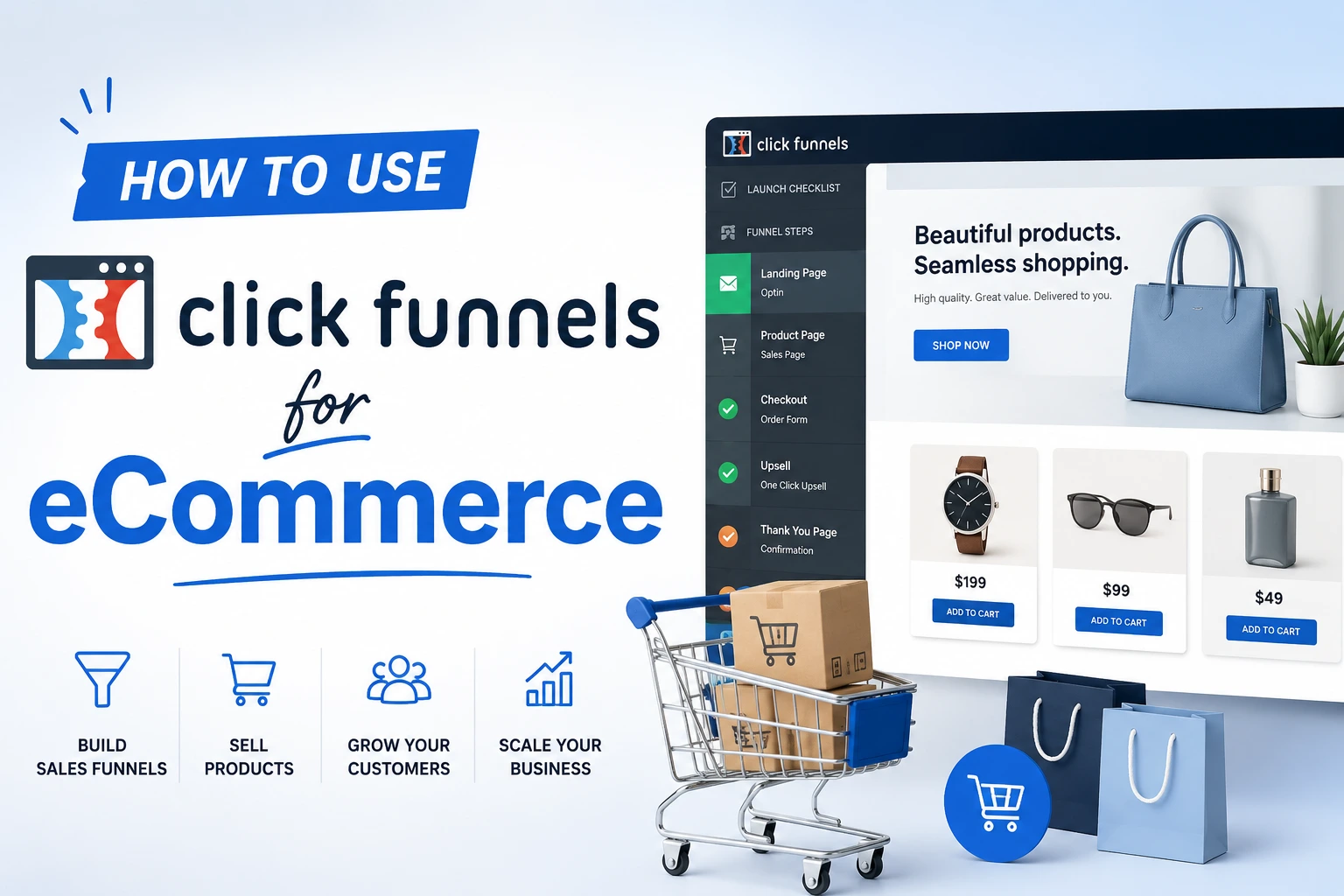
- 4. Build the funnel: Connect product pages, checkout, upsells, and confirmation pages.
- 5. Automate follow-up: Send purchase confirmations, abandoned-cart reminders, and post-purchase offers.
- 6. Test everything: Complete a test order on desktop and mobile before sending paid traffic.
Best Starting Strategy
- Start focused: Launch one strong product funnel before building a large catalog.
| Plan Name | Annual Cost (Approx.) | Best For | Get this Plan |
| Basic Plan | $970/year | Beginners, small business owners | Click Here |
| Platinum Plan | $2,970/year | Growing businesses, marketers | Click Here |
| Two Comma Club X Plan | $2,5000/year | Agencies, mid-level marketers | Click Here |
ClickFunnels can do much more than create landing pages. Its current platform includes stores, product pages, checkout tools, funnels, email marketing, and automation.
For eCommerce, that combination is useful because you can control the path from the first click to the next purchase. Here is how I would structure it in 2026.
What Is ClickFunnels eCommerce?
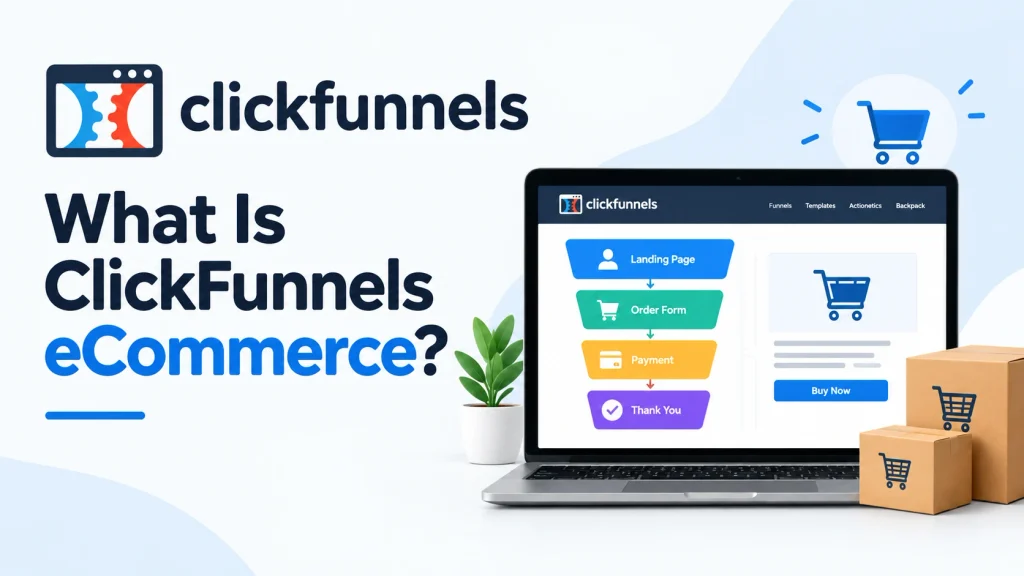
ClickFunnels eCommerce is a funnel-based approach to selling products online. Instead of sending everyone into a traditional catalog, you can build focused buying journeys around specific products and offers.
A customer might discover one product, view its sales page, add it to a cart, complete checkout, see an upsell, and then receive follow-up emails.
- Store: Displays products and collections for browsing.
- Product page: Explains one product and encourages a purchase.
- Sales funnel: Controls the customer’s journey through your offer.
- Smart checkout: Collects payment and completes the transaction.
- Upsell: Presents another relevant offer before or after checkout.
- Email automation: Continues the relationship after the visit or sale.
This makes ClickFunnels different from building a basic storefront and waiting for shoppers to browse. The emphasis is on directing each visitor toward a specific action.
How Do You Set Up ClickFunnels for eCommerce?
Start by deciding what you want the first funnel to sell. I recommend beginning with one flagship product instead of importing an entire catalog immediately.
That keeps your first launch easier to test. It also makes weak points much easier to spot.
Step 1: Choose the Right ClickFunnels Plan
As of 2026, ClickFunnels lists Launch, Scale, Optimize, and Dominate plans. Your best choice depends more on contacts, workspaces, email volume, and team size than on the number of funnels.
If you are unsure which tier fits, my detailed ClickFunnels plans comparison breaks down the current limits and pricing.
| Plan | Monthly Price | Workspaces | Contacts | Best Fit |
|---|---|---|---|---|
| Launch | $97/month | 1 | 10,000 | New or smaller eCommerce brands |
| Scale | $197/month | 5 | 75,000 | Growing brands and multiple stores |
| Optimize | $297/month | 10 | 150,000 | Higher-volume marketing teams |
| Dominate | $5,997/year | 20 | 400,000 | Large businesses and heavy-volume operations |
Do not upgrade simply because a higher tier sounds more professional. Start with the capacity your business can use today.
Step 2: Create Your eCommerce Store
Open the Store area in ClickFunnels and choose a starting template. You can then adjust the layout, typography, product presentation, and branding.
ClickFunnels currently supports storefronts, individual product pages, collection pages, carts, and checkout experiences.
- Add your store name and branding.
- Create the main navigation.
- Configure product and collection pages.
- Add your cart controls.
- Review the mobile version.
Keep the storefront simple at first. Your strongest products should be easy to find without several clicks.
Step 3: Add Your Products
Create each product with enough information to remove buying uncertainty. Good eCommerce funnels need clear offers before they need clever design.
- Product name: Make it specific and understandable.
- Price: Confirm the correct currency and selling price.
- Images: Show the product from useful angles.
- Description: Explain benefits, features, and important limitations.
- Variants: Add sizes, colors, styles, or other choices when required.
- Collections: Group related products logically.
- Shipping information: Configure what applies to your physical products.
I prefer to finish one product completely before adding the next. That exposes missing information faster than bulk uploading unfinished listings.
How Do You Accept Payments in ClickFunnels?
You need a supported payment setup before the funnel can process real orders. Complete this configuration before sending traffic to the checkout page.
Payment availability can depend on your account and business location. Review the processor’s eligibility rules before building your launch around it.
Step 4: Connect Your Payment Processor
ClickFunnels provides payment and checkout functionality for online sales. Stripe is also commonly used with ClickFunnels setups.
Check Stripe directly for current account, country, product, and processing requirements.
- Connect the payment account.
- Confirm your business information.
- Choose the correct product pricing.
- Configure one-time or recurring billing where appropriate.
- Run a test purchase before launch.
A payment problem is one of the worst issues to discover after advertising starts. Always test the full checkout yourself.
What Funnel Should You Build for an eCommerce Product?
For most focused product campaigns, I would start with a product page followed by checkout, an optional upsell, and confirmation. You can add more complexity after the basic path converts reliably.
ClickFunnels also supports a broader store experience when customers need to browse multiple products. You do not have to choose only one approach.
Step 5: Build the Product Sales Funnel
- Product or sales page: Explain what the product does and why it matters.
- Cart or checkout: Let the customer select quantities and complete the purchase.
- Order bump: Offer a small complementary item where appropriate.
- Upsell: Present a closely related product after the initial decision.
- Confirmation page: Confirm the purchase and explain what happens next.
If you are new to the interface, this ClickFunnels demo and tutorial gives you more context on how funnels are structured.
Store vs. Funnel: Which Should You Use?
| Use a Store When… | Use a Funnel When… |
|---|---|
| Customers need to browse several products. | You are promoting one specific offer. |
| You have categories or collections. | Traffic comes from a focused advertisement. |
| Repeat shoppers need easy navigation. | You want a controlled upsell sequence. |
My preferred model combines both. I use the store for browsing and focused funnels for paid campaigns or important products.
How Can You Increase eCommerce Order Value With ClickFunnels?
The easiest place to start is with relevant order bumps and upsells. The extra offer should make the original purchase more useful.
Do not add unrelated products simply because the software allows another step. Relevance matters more than the number of offers.
- Order bump: A low-friction accessory or add-on.
- Upsell: A higher-value complementary product.
- Bundle: Several related items sold together.
- Quantity offer: A reason to purchase two or more units.
- Post-purchase offer: A logical next product after checkout.
For example, a reusable bottle funnel could offer a cleaning brush at checkout. A larger bundle could appear as the post-purchase upsell.
How Do You Automate Follow-Up After an eCommerce Purchase?
Automation helps you continue the customer relationship without manually sending every message. Start with service-related communication before adding promotional sequences.
- Order confirmation.
- Shipping or fulfillment updates.
- Product-use guidance.
- Review requests.
- Cross-sell recommendations.
- Win-back campaigns.
Be careful with marketing permissions and customer data. The FTC’s business guidance is a useful starting point for U.S. compliance topics.
You should also review requirements that apply to your business location. The U.S. Small Business Administration provides broader business resources.
Can You Use ClickFunnels With Shopify?
Yes, ClickFunnels has documented Shopify integration options for workflows where funnels handle marketing while Shopify supports other eCommerce operations. Your exact setup should depend on which platform will own products, orders, and fulfillment.
Visit Shopify to confirm its current store and account requirements before connecting the two systems.
- ClickFunnels-first setup: Useful when funnels and direct-response selling are central.
- Shopify-supported setup: Useful when an existing Shopify operation handles fulfillment.
- Hybrid setup: Useful when funnels acquire buyers while another system supports operations.
Avoid creating duplicate product, inventory, or customer processes unless you know which system is the source of truth.
How Should You Test a ClickFunnels eCommerce Funnel?
Never judge the funnel only inside the editor. Complete the same journey a real customer will take.
- Open the funnel in a private browser window.
- Check the page on both desktop and mobile.
- Click every important button.
- Add the correct product and variant.
- Complete a test checkout.
- Verify the bump and upsell logic.
- Check the confirmation page.
- Confirm expected emails or automation.
Then inspect the experience again as a customer, not as the person who built it. Confusing copy becomes easier to see from that perspective.
Common ClickFunnels eCommerce Mistakes to Avoid
Most early problems come from unnecessary complexity rather than missing features. Keep the buying path easy to understand.
- Too many offers: Do not distract the buyer before the first purchase.
- Weak product pages: Show the product clearly and answer common objections.
- Unrelated upsells: Recommend items that naturally extend the original purchase.
- No mobile testing: Check buttons, images, forms, and checkout on smaller screens.
- Skipping test orders: Verify the transaction path before buying traffic.
- Ignoring follow-up: The customer journey should continue after checkout.
You can also review my full ClickFunnels 2.0 review if you are still deciding whether the platform fits your business.
Useful Tools for a Physical-Product ClickFunnels Store
If you sell physical products, two simple pieces of equipment can make product presentation and fulfillment easier. They are optional, not ClickFunnels requirements.
🚛 Best for Shipping
Rollo Wireless Shipping Label Printer
★★★★☆
A thermal shipping-label printer removes the need for ink cartridges. I like this type of setup for stores processing enough physical orders to make manual label printing annoying.
📸 Best for Product Photos
NEEWER Photo Studio Light Box
★★★★☆
A light box creates a cleaner background and more consistent lighting for smaller products. I would prioritize better product photos before adding decorative elements to a sales page.
Frequently Asked Questions
Is ClickFunnels good for eCommerce?
ClickFunnels can work well for eCommerce businesses that want to combine stores with conversion-focused sales funnels. It is especially useful when you want product pages, checkout, upsells, email marketing, and automation connected within one marketing system.
Can I sell physical products with ClickFunnels?
Yes. ClickFunnels supports stores and funnels for selling physical products, including product pages, collections, carts, checkout experiences, and upsell paths. You still need to plan inventory, shipping, fulfillment, returns, and customer service around your business model.
Can ClickFunnels replace Shopify?
It can replace Shopify for some businesses, but the answer depends on your operational needs. ClickFunnels emphasizes funnels and conversion journeys, while merchants with established Shopify workflows may prefer connecting their existing store and fulfillment processes instead of rebuilding everything.
Does ClickFunnels have a shopping cart?
Yes. Current ClickFunnels store features include Add to Cart functionality that lets shoppers place multiple products into a cart before checkout. Store funnels can also connect purchases with additional upsell opportunities.
What is the best ClickFunnels funnel for eCommerce?
A simple product sales funnel is a strong starting point for most eCommerce campaigns. Use a focused product page, checkout, one relevant upsell, and confirmation page, then add email automation once the core purchasing path works correctly.
Final Takeaway
Using ClickFunnels for eCommerce is easiest when you start small. Build one product, one checkout flow, one relevant upsell, and one follow-up sequence before expanding.
Once that path works, use your results to improve the offer and add more products. If you want deeper help mastering funnel strategy, explore these ClickFunnels training courses next.
Your first goal is not building the biggest store. It is building the simplest buying journey that works from first click to successful order.
