
How to Use ClickFunnels for ClickBank: Complete 2026 Guide
Quick Answer
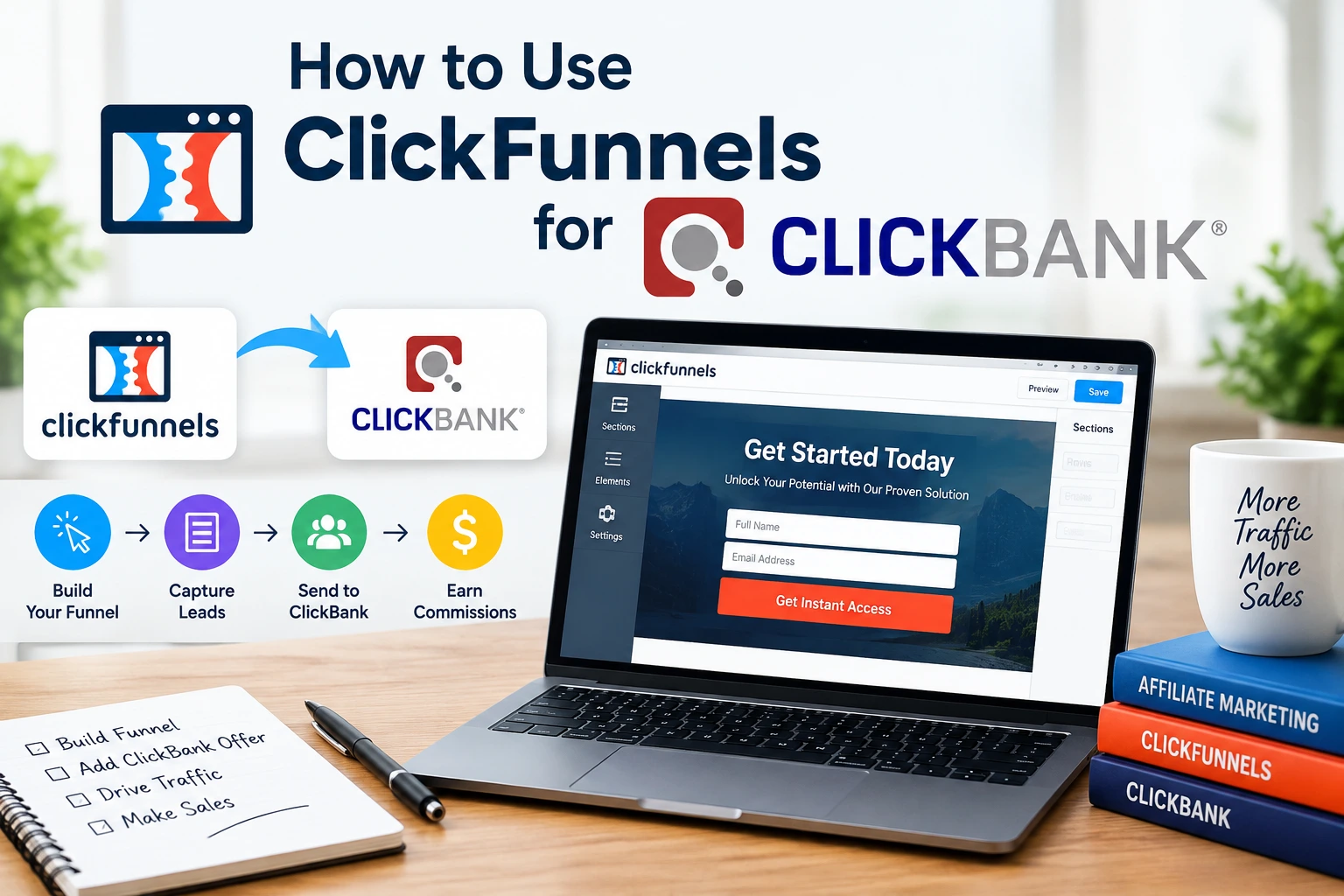
To use ClickFunnels for ClickBank, first decide whether you’re an affiliate or a seller. Affiliates normally build a ClickFunnels landing or bridge page and send visitors through a ClickBank HopLink, while sellers can connect an approved ClickBank product to a ClickFunnels funnel and let ClickBank handle checkout. The official ClickBank integration guide explains the seller connection.
The basic setup
- Choose your role: Decide whether you’re promoting another seller’s offer or selling your own ClickBank product.
- Build the funnel: Create a landing page, bridge page, sales page, or lead-capture funnel in ClickFunnels.
- Add the correct link: Affiliates use their HopLink, while sellers normally use their ClickBank payment link.
- Connect seller accounts: Sellers using the supported Classic integration configure ClickBank as a third-party payment gateway.
- Track campaigns: Use ClickBank tracking IDs and ClickFunnels page analytics to separate traffic sources.
- Test everything: Check the full journey before sending paid or organic traffic to the funnel.
One important detail
- Check your version: Current native ClickBank payment-gateway documentation is specifically published for ClickFunnels Classic.
| Plan Name | Annual Cost (Approx.) | Best For | Get this Plan |
| Basic Plan | $970/year | Beginners, small business owners | Click Here |
| Platinum Plan | $2,970/year | Growing businesses, marketers | Click Here |
| Two Comma Club X Plan | $2,5000/year | Agencies, mid-level marketers | Click Here |
If you’re searching for how to use ClickFunnels for ClickBank, the confusing part is usually not building the page. The real challenge is understanding which link and integration belong to your situation.
My rule is simple: treat ClickFunnels as the conversion layer and ClickBank as the offer, tracking, or checkout layer. Once you separate those jobs, the setup becomes much easier.
What Does Using ClickFunnels With ClickBank Actually Mean?
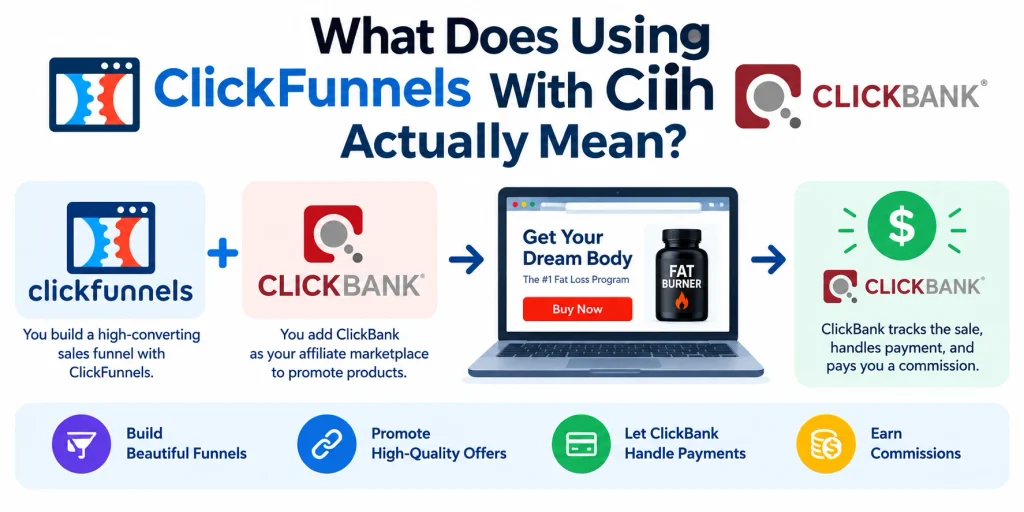
Using ClickFunnels with ClickBank means building part of your marketing funnel in ClickFunnels while using ClickBank for affiliate attribution, product management, or payment processing.
The exact workflow changes depending on whether you are a ClickBank affiliate or a ClickBank seller.
Definition: A ClickFunnels–ClickBank funnel is a sequence of marketing pages built in ClickFunnels that eventually sends the visitor into a ClickBank-tracked sales or checkout process.
- Affiliate: You promote somebody else’s ClickBank product and earn a commission.
- Seller: You own the ClickBank product and use the platform to process sales.
- ClickFunnels: You use it to create the pages and customer journey before the final transaction.
These two workflows look similar from the visitor’s perspective. Behind the scenes, however, the tracking and account setup are different.
Are You a ClickBank Affiliate or a Seller?
Affiliates usually do not need to connect ClickBank as a payment gateway. They mainly need a properly working HopLink attached to their ClickFunnels call-to-action.
Sellers have more setup because ClickBank must know which product is being purchased and where customers should go after the funnel page.
| Feature | ClickBank Affiliate | ClickBank Seller |
|---|---|---|
| Main purpose | Promote another seller’s offer | Sell your own approved product |
| Main link | ClickBank HopLink | ClickBank payment link or paylink |
| Native gateway connection | Normally unnecessary | Available through documented ClickFunnels Classic integration |
| Checkout | Seller’s ClickBank checkout flow | ClickBank order form |
| Best ClickFunnels page | Bridge, review, advertorial, or lead page | Sales, order-flow, lead, or product page |
How Do You Use ClickFunnels for ClickBank Affiliate Marketing?
The simplest affiliate setup is ClickFunnels traffic page → ClickBank HopLink → seller’s approved landing page. ClickBank uses the HopLink to identify the affiliate who referred the visitor.
You therefore want the ClickFunnels page to improve the visitor’s understanding and intent before the HopLink sends them onward.
1. Choose a ClickBank offer
Start inside the ClickBank Marketplace and choose an offer that matches your audience. Look beyond headline commission numbers and study the seller’s landing page, positioning, audience, and promotional rules.
Your funnel should prepare people for that specific offer. A generic bridge page normally creates a weaker transition.
2. Create your affiliate HopLink
Generate your ClickBank affiliate link for the selected offer. The platform calls this tracking URL a HopLink.
ClickBank’s HopLinks Guide explains creation, encryption, testing, and tracking IDs.
- Use the real HopLink: Don’t replace the affiliate journey with the seller’s direct checkout link.
- Keep tracking intact: Avoid techniques that interfere with the way the HopLink opens.
- Add a TID: Use a tracking ID when you need to distinguish traffic sources or campaigns.
3. Build a ClickFunnels bridge page
A bridge page sits between your traffic source and the ClickBank seller. Its job is to make the visitor more interested and better informed before they see the offer.
I prefer keeping this page focused on one decision. Too many unrelated links can weaken the path to the main call-to-action.
- A clear problem-focused headline
- A short explanation of the solution
- Benefits relevant to the visitor
- Evidence you can legitimately support
- A disclosure when required
- One primary call-to-action
4. Attach your HopLink to the call-to-action
Edit your main ClickFunnels button and set the button action to send the visitor to your HopLink. Repeat this only where another call-to-action genuinely helps the visitor.
Don’t change the destination to a seller’s raw payment link simply because it appears shorter. Affiliate attribution depends on the ClickBank tracking journey.
5. Test the complete affiliate path
Open the ClickFunnels page as a visitor and click through the funnel. Confirm that the correct seller and offer appear.
ClickBank also provides tools for decoding and validating encrypted HopLinks. Test before spending money on traffic.
How Do You Connect ClickBank to ClickFunnels as a Seller?
For sellers, the process is more technical because you are connecting an actual product and checkout flow. As of 2026, ClickFunnels’ official native ClickBank instructions are documented under ClickFunnels Classic.
If you’re working only in ClickFunnels 2.0, don’t assume that Classic menu paths will appear in your account. Check your platform version before following payment-gateway instructions.
1. Prepare your ClickBank seller account
You need a ClickBank seller-capable account and the product you intend to sell. The product should be configured correctly before you build the final checkout journey.
Keep your ClickBank account nickname handy. Several integration fields use that nickname to identify the seller account.
2. Create the required ClickBank API key
Current ClickBank documentation places API key management under Settings → API Management. Create an active API key and give it access to the appropriate linked account nickname.
The current ClickBank API key documentation also notes that the older API-only-user method is outdated.
- Create the key: Use the API Management area in your primary account.
- Select permissions: Grant only the APIs and nickname accounts needed for the integration.
- Keep it private: Never expose your API credentials publicly.
- Avoid unnecessary regeneration: Regenerating a key can break an existing integration that uses it.
3. Add ClickBank as the payment gateway in Classic
Inside ClickFunnels Classic, open Account Settings and then Payment Gateways. Choose the option to add a gateway and select ClickBank.
The current ClickFunnels Classic integration instructions show the gateway fields and account connection process.
You may see fields referring to a ClickBank vendor, API credentials, and a secret token. Match those fields with the current ClickBank documentation rather than relying on an old screenshot from another tutorial.
4. Add your ClickBank product to the funnel
Create or edit the appropriate product inside the ClickFunnels funnel. Select ClickBank as the billing integration where the Classic workflow provides that option.
Match the ClickFunnels product details with the ClickBank item you intend to sell. Incorrect product IDs can send the customer into the wrong purchase flow.
- Set a clear product name.
- Choose ClickBank as the relevant billing integration.
- Enter the matching ClickBank product or cart item ID.
- Copy the webhook URL provided by ClickFunnels when required.
- Save the product before testing.
5. Configure the webhook and secret
The webhook lets the two systems exchange information about the transaction. Follow the current Classic instructions for where to place the webhook inside your ClickBank seller settings.
Be careful with an existing secret key. Changing a secret already used by another integration can break that connection.
6. Add the ClickBank payment link
The final purchase still occurs through ClickBank. Your funnel’s purchase button therefore needs to send the customer to the appropriate ClickBank payment link when that workflow is used.
Don’t guess this URL. Generate or copy the payment link associated with the correct ClickBank product.
7. Run a test purchase
A funnel that looks correct can still have a broken checkout or tracking path. Run the full test from the first ClickFunnels page through the ClickBank order form.
Use ClickBank’s payment-link testing instructions instead of entering real card information into a test transaction.
What ClickFunnels Funnel Works Best for ClickBank?
The best structure depends on how much education the prospect needs before reaching the ClickBank offer. Simple products may need one bridge page, while complex offers can benefit from lead capture and follow-up.
For most affiliate campaigns, I would start smaller rather than building six pages immediately. Prove that people respond to the message first.
- Traffic page: An ad, article, social post, email, or search result brings the visitor in.
- ClickFunnels page: Your page qualifies, educates, reviews, or pre-sells the visitor.
- ClickBank link: A HopLink or seller payment path moves the visitor into ClickBank’s tracked flow.
- Checkout: ClickBank handles the actual order where applicable.
- Follow-up: Your permitted email or customer process continues after the conversion.
Lead capture can make sense when people aren’t ready to buy on the first visit. Make sure your email claims and follow-up promotions still comply with the seller’s rules and your traffic source policies.
How Do You Track ClickBank Conversions From ClickFunnels?
Tracking begins by separating page behavior from affiliate or transaction attribution. ClickFunnels can tell you how people interact with your funnel, while ClickBank provides the sales-side data tied to its links and orders.
For affiliate campaigns, one of the easiest tools is the ClickBank tracking ID, usually called a TID.
- Facebook campaign: Use a distinct TID for that campaign.
- YouTube campaign: Use another TID.
- Email campaign: Give the email traffic its own TID.
- SEO traffic: Assign a separate identifier when useful.
ClickBank currently allows TIDs containing supported alphanumeric characters and underscores, and its documentation warns against using dashes. Keeping names simple makes reports easier to interpret.
For example, I would rather use youtube_review and email_launch than vague labels such as campaign1 and campaign2. You should understand the source immediately when reviewing results later.
What Are the Most Common ClickFunnels and ClickBank Mistakes?
Most technical failures happen because the marketer mixes the affiliate workflow with the seller workflow. Decide which role you have before touching integration settings.
- Using a payment link as an affiliate: This can bypass the HopLink journey required for proper affiliate attribution.
- Following old API instructions: ClickBank’s current API documentation uses the API Management section.
- Confusing Classic with 2.0: Current native ClickBank gateway instructions are specifically documented for ClickFunnels Classic.
- Skipping link tests: A beautiful landing page is worthless if the final button is wrong.
- Changing an active secret: Existing integrations may depend on that value.
- Ignoring tracking IDs: Without campaign labels, identifying profitable traffic becomes harder.
- Overbuilding the funnel: More pages aren’t automatically better.
- Making unsupported claims: Your bridge page should not promise results the seller or evidence cannot support.
Is ClickFunnels Worth Using With ClickBank?
ClickFunnels makes the most sense when you need more control than a plain affiliate link gives you. You can control the headline, page structure, lead capture, testing, and pre-sale message before sending the visitor onward.
That extra control is useful when your traffic needs education. It is less useful when the additional page simply repeats the seller’s sales page.
| Situation | My recommendation |
|---|---|
| Cold paid traffic | Use a focused bridge or pre-sell page |
| Review-focused SEO traffic | Use a detailed review or comparison page with the HopLink |
| Audience needs follow-up | Capture the lead before presenting the offer where appropriate |
| ClickBank seller using Classic | Use the documented ClickBank integration and test the entire checkout |
Frequently Asked Questions
Can I use ClickFunnels for ClickBank affiliate marketing?
Yes. A ClickBank affiliate can create a landing or bridge page in ClickFunnels and connect the main call-to-action to the affiliate’s ClickBank HopLink. You normally don’t need to integrate ClickBank as your own payment gateway when you’re only promoting another seller’s offer.
Can I connect ClickBank directly to ClickFunnels?
ClickBank has a documented third-party payment integration with ClickFunnels Classic for sellers. The setup connects ClickBank account information with the Classic payment-gateway system while the final checkout remains on ClickBank.
Should I put my HopLink directly on a ClickFunnels button?
Yes, if you’re a ClickBank affiliate and the button is intended to send the visitor to the seller’s offer. Test the HopLink afterward so you can confirm that the correct seller and affiliate information are being tracked.
Do I need ClickFunnels to make money with ClickBank?
No. ClickBank affiliates can promote offers without ClickFunnels. ClickFunnels becomes useful when you want more control over pre-selling, landing-page design, lead capture, funnel testing, and the customer journey before visitors reach the ClickBank offer.
Does the ClickBank integration work the same in ClickFunnels 2.0?
You should not assume that it does. As of 2026, ClickFunnels’ official native ClickBank payment-gateway documentation is published for ClickFunnels Classic, while ClickFunnels 2.0 is a separate platform with its own account structure and help documentation.
Final Takeaway
The easiest way to understand how to use ClickFunnels for ClickBank is to start with your role. Affiliates generally need a strong ClickFunnels page plus a correctly tested HopLink, while sellers need a properly configured product, checkout link, and supported account integration.
Build the shortest funnel that explains the offer clearly, track each traffic source, and test the entire journey before scaling. That foundation matters more than adding extra pages simply because ClickFunnels makes them easy to create.
