
GoHighLevel vs Keap — Which CRM Fits Your Business?
Quick Answer
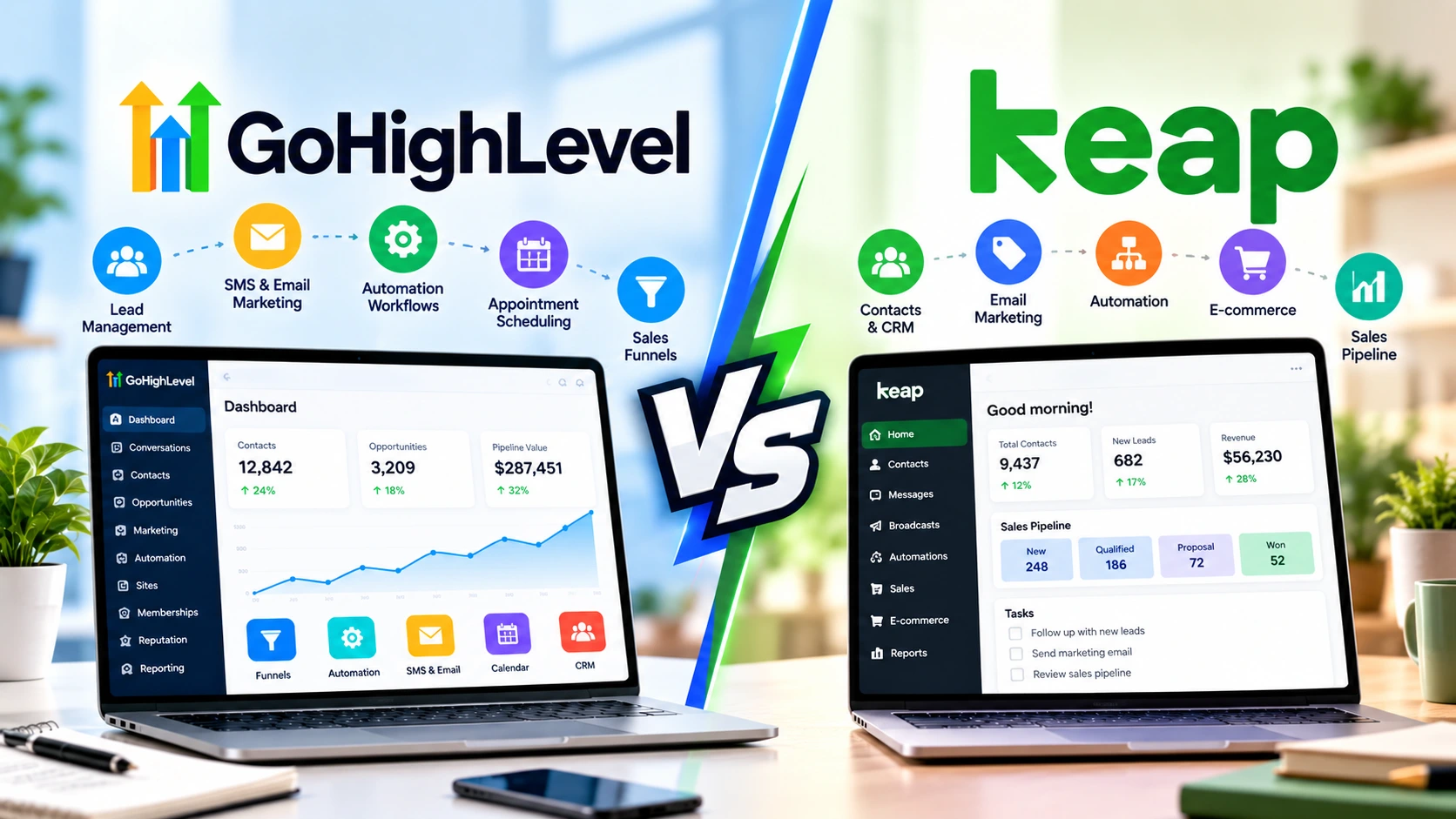
GoHighLevel and Keap both combine CRM, sales pipelines, marketing automation, email, and appointment tools, but they target different workflows. GoHighLevel is built heavily around agencies, multiple client accounts, funnels, communication, and white-label SaaS, while Keap focuses on established small businesses that want CRM and sales automation with guided implementation. If agency functionality matters, start by understanding how the GoHighLevel CRM works.
The biggest differences
- Starting price: HighLevel currently starts at $97 per month, while Keap lists its platform from $299 per month.
- Agency management: HighLevel supports separate client sub-accounts and offers unlimited sub-accounts on its Unlimited plan.
- CRM approach: Keap puts strong emphasis on contact management, sales pipelines, invoices, payments, and customer follow-up.
- White labeling: HighLevel offers agency branding and SaaS capabilities for businesses that want to resell software.
- Implementation: Keap currently requires implementation services, while HighLevel provides self-service plans and a 14-day trial.
Simple rule
- Consider GoHighLevel when managing clients, funnels, lead generation, appointment campaigns, or white-label services. Consider Keap when your priority is running one established business with structured CRM, sales, payments, and automation.
Choosing between GoHighLevel and Keap gets confusing because their feature lists overlap heavily. Both can capture leads, organize contacts, automate follow-up, book appointments, and move prospects through a sales pipeline.
I find the comparison becomes much easier when I stop counting features. The better question is how you plan to organize your business inside the CRM.
What Is the Main Difference Between GoHighLevel and Keap?
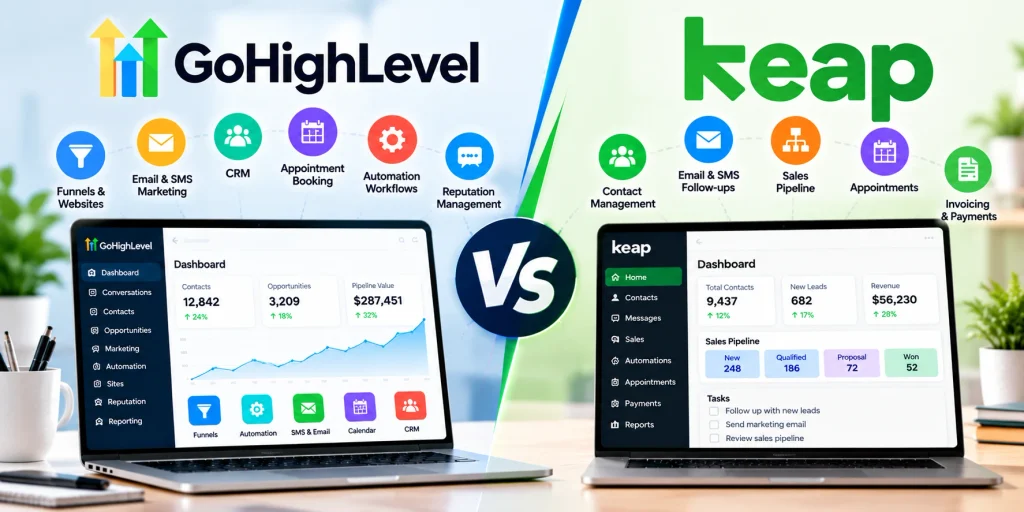
GoHighLevel is an all-in-one sales and marketing platform built with agencies and service businesses in mind, while Keap is a CRM and automation platform focused on established small businesses.
That difference affects everything from account structure to pricing. It also changes how each platform handles growth.
- GoHighLevel: CRM, pipelines, email, SMS, calling, calendars, funnels, websites, automation, reputation management, social tools, AI, payments, courses, and client sub-accounts.
- Keap: CRM, contact management, sales pipelines, email marketing, automation, funnels, appointments, quotes, invoices, checkout forms, payments, and text marketing.
HighLevel is particularly unusual because one agency login can manage separate business locations or client accounts. Its Unlimited plan currently allows unlimited sub-accounts.
Keap takes a more traditional small-business CRM approach. Contacts, customer activity, sales, payments, communications, and automation sit around one operating business.
If HighLevel is new to you, my complete explanation of what GoHighLevel is covers the broader platform before you compare individual CRM features.
GoHighLevel vs Keap: Features Compared
Both platforms cover the core CRM and marketing jobs most service businesses need, but HighLevel includes more agency-specific infrastructure.
Here is the practical 2026 comparison.
| Feature | GoHighLevel | Keap |
|---|---|---|
| Starting platform price | $97/month | Starts at $299/month |
| Contacts | Unlimited contacts on current core plans | Pricing configuration depends partly on contact requirements |
| Users | Unlimited users on current core plans | User requirements affect pricing configuration |
| Sales pipelines | Yes | Yes |
| Email marketing | Yes, with usage costs where applicable | Yes |
| SMS | Yes, usage-based charges apply | Yes, with geographic restrictions on some text features |
| Funnels / landing pages | Website and funnel builder | Multi-page sales funnels |
| Appointment scheduling | Yes | Yes |
| Payments / invoices | Yes | Yes |
| Client sub-accounts | 3 on Starter; unlimited on higher agency plans | Not built around HighLevel-style agency sub-accounts |
| White-label SaaS | Available through higher-tier agency features | Not a core positioning of the platform |
| Required implementation | No required paid implementation listed with core subscription | Required implementation services |
How Does GoHighLevel CRM Work?
GoHighLevel connects lead capture, contact records, pipelines, conversations, calendars, and workflows inside the same system. A new lead can enter through a form or funnel and immediately trigger an automated follow-up sequence.
This connected structure is where HighLevel becomes useful for lead-generation businesses. You don’t need to move data manually between a page builder, CRM, scheduler, and automation platform.
- Capture: Collect leads through forms, surveys, funnels, websites, chats, and calendars.
- Organize: Store contacts and opportunities inside CRM pipelines.
- Follow up: Trigger email, SMS, calling, tasks, and other workflow actions.
- Book: Connect campaigns directly with appointment calendars.
- Measure: Track conversations, pipelines, attribution, and campaign activity.
The platform’s current core feature list also includes reputation management, social media management, payments, invoicing, courses, communities, and AI tools. You can see the broader process in my guide to how GoHighLevel works from lead capture to follow-up.
Where does GoHighLevel stand out for agencies?
The sub-account structure is one of HighLevel’s biggest differences. An agency can keep each client’s contacts, pipelines, calendars, funnels, workflows, and conversations in a separate account.
The $97 Starter plan currently includes three sub-accounts. The $297 Unlimited plan removes that sub-account limit.
- Starter: $97/month with three sub-accounts.
- Unlimited: $297/month with unlimited sub-accounts and basic API access.
- Agency Pro: $497/month with SaaS Mode, automated account creation, advanced API access, and additional rebilling controls.
HighLevel also advertises unlimited contacts and users across these core plans. Telecommunications, AI, email, and certain premium services can still create separate usage charges.
You can verify current plan details on the official HighLevel pricing page before subscribing.
How Does Keap CRM Work?
Keap combines customer records with sales, marketing, appointments, payments, and automation. Its CRM keeps communication and transaction history tied to each contact.
The approach suits a business that wants its customer journey organized around one central database. Sales teams can move opportunities through pipelines while automation handles repetitive follow-up.
- Contact management: Store contact information, conversations, meeting history, notes, invoices, and payments.
- Sales pipelines: Track prospects through defined stages.
- Email marketing: Send broadcasts, newsletters, one-to-one messages, and automated emails.
- Automation: Trigger campaigns and actions from customer behavior.
- Commerce: Create quotes, invoices, checkout forms, recurring payments, promo codes, and order bumps.
Keap also includes an AI Content Assistant and AI Automation Assistant in its current feature set. Its sales funnel tools can connect multiple landing pages across a customer journey.
What does Keap cost in 2026?
Keap’s current pricing page lists the platform starting at $299 per month. Its pricing interface also accounts for the number of users and contacts you need.
Keap now emphasizes access to its complete platform rather than separating core functionality across many feature-based plans. Required implementation services are part of its current onboarding model.
That implementation can include strategy consulting, migration, data import, and done-for-you services. This is worth considering when comparing the subscription price alone.
Check the latest terms on the official Keap pricing page, because promotional offers and pricing can change.
Which Platform Has Better Marketing Automation?
Both platforms can automate sophisticated follow-up, but their automation is packaged around different operating models. HighLevel connects workflows closely with its multi-channel marketing and agency environment, while Keap connects automation closely with CRM, sales, and customer lifecycle management.
I wouldn’t choose between them by asking which automation builder has the longer feature list. I’d map one real customer journey and see which platform matches it with fewer workarounds.
A typical HighLevel workflow might look like this:
- A prospect submits a Facebook lead form or landing-page form.
- HighLevel creates or updates the contact.
- The opportunity enters a sales pipeline.
- An email and text follow-up sequence begins.
- The prospect receives an appointment-booking link.
- Booking triggers confirmation and reminder messages.
- The pipeline stage updates as the lead progresses.
This makes HighLevel attractive for appointment-driven campaigns. Agencies can also duplicate systems across client accounts using reusable account configurations.
A typical Keap workflow might look like this:
- A prospect completes a lead-capture form.
- The contact enters Keap’s CRM.
- Tags or contact activity trigger an automated campaign.
- Email or supported text follow-up nurtures the lead.
- The sales team manages the opportunity through its pipeline.
- A quote or invoice moves the customer toward payment.
- Purchase activity triggers the next customer automation.
That flow shows why Keap has remained relevant to service businesses. Sales follow-up and commerce sit close to the contact record.
Which Is Better for Funnels and Lead Generation?
Both platforms can build sales funnels, but HighLevel puts funnels inside a wider lead-generation toolkit. Its Sites area connects pages directly with forms, calendars, CRM records, conversations, and workflows.
A service business can therefore run the entire path from advertisement to booked call without sending the lead through several separate platforms.
- Landing pages and multi-step funnels
- Forms, surveys, and quizzes
- Booking calendars
- CRM pipelines
- Email and SMS follow-up
- Calling and unified conversations
- Payments and invoices
Keap also supports multi-page sales funnels and forms. Those pages connect naturally with its CRM, campaigns, appointments, and checkout tools.
If landing pages are central to your comparison, see my GoHighLevel funnel builder guide for the setup process.
How Do Their SMS, Email, and Communication Tools Compare?
HighLevel offers a broader communication environment, but many communication features carry usage-based costs. Its platform supports email, SMS, inbound and outbound calling, unified conversations, and AI-based communication tools.
HighLevel’s subscription price therefore shouldn’t be treated as your final operating cost. Phone numbers, messages, emails, premium workflow executions, and some AI services can be billed separately.
Keap supports email marketing plus one-to-one and marketing text features. However, location matters with its current SMS offering.
- One-to-one texting: Available in the U.S. and Canada according to Keap’s current pricing page.
- Text broadcasts: Currently listed for the U.S.
- Automated marketing texts: Currently listed for the U.S.
- Included allowance: Keap currently lists 500 messages and 100 voice minutes in its first text-marketing tier.
International businesses should review those restrictions carefully. Don’t assume every communication feature shown in a CRM comparison is available in every country.
What About AI Features?
HighLevel currently has a broader dedicated AI product lineup. Its tools include Conversation AI, Voice AI, Content AI, Reviews AI, Ask AI, AI Studio, Agent Studio, and AI-assisted funnel or website features.
Some AI features are included, while others use separate subscriptions or usage-based billing. HighLevel currently lists AI Employee Growth at $50 per month per enabled location and AI Employee Unlimited at $97 per month per enabled location.
Keap’s current platform includes an AI Content Assistant for writing and an AI Automation Assistant for creating campaigns. These tools focus closely on Keap’s email and automation workflows.
AI pricing changes faster than traditional CRM pricing. Confirm the current terms before basing a long-term cost estimate on AI usage.
GoHighLevel vs Keap: Which One Fits Your Business?
The right choice depends less on company size than on how you make money and manage customers. Start with your operating model rather than the number of features advertised.
GoHighLevel may fit your workflow if you:
- Run a marketing or lead-generation agency.
- Need separate accounts for several clients or locations.
- Build funnels and appointment campaigns frequently.
- Want CRM, websites, funnels, calendars, email, SMS, and workflows together.
- Plan to offer marketing software under your agency brand.
- Need unlimited contacts or users without contact-based platform pricing.
- Want to reuse systems across multiple businesses.
New users should still expect a learning curve because HighLevel exposes many tools in one interface. My GoHighLevel beginner’s guide explains the setup order that keeps the platform manageable.
Keap may fit your workflow if you:
- Operate one established small business rather than a portfolio of agency clients.
- Want structured CRM and customer lifecycle automation.
- Need quotes, invoices, payments, appointments, and follow-up in the same platform.
- Value guided implementation and migration assistance.
- Want sales and marketing automation centered closely around the customer record.
- Prefer a platform designed around direct business-to-customer operations rather than software reselling.
What Should You Check Before Choosing?
Don’t purchase either CRM until you’ve tested the workflow that makes your business money. A demo filled with impressive features doesn’t prove your own process will be easier.
I would test these six things first.
- Lead capture: Create a real form and submit a test contact.
- Pipeline: Move that contact through your normal sales stages.
- Automation: Build the follow-up sequence you use most often.
- Booking: Schedule a test appointment and review reminders.
- Payment: Test your quote, invoice, checkout, or payment workflow if relevant.
- Total cost: Include implementation, messages, email, calling, AI, contacts, users, and other usage charges.
This short test reveals more than comparing another 50 feature checkboxes. The CRM that supports your real workflow cleanly is the one worth investigating further.
Frequently Asked Questions
Is GoHighLevel cheaper than Keap?
GoHighLevel currently has the lower entry subscription price. HighLevel lists Starter at $97 per month, while Keap lists its platform starting at $299 per month, but total costs can change with messaging, AI, contacts, users, implementation, and other services.
Can GoHighLevel replace Keap?
GoHighLevel can cover many functions businesses use Keap for, including CRM, pipelines, email, automation, forms, appointments, payments, and funnels. Migration still requires checking your existing campaigns, contact data, payment processes, integrations, and reporting requirements before switching.
Is Keap good for marketing automation?
Yes. Keap combines CRM data with email, automation, sales pipelines, forms, appointments, and commerce features. Its automation is particularly relevant when customer follow-up, sales activity, invoices, and payments need to stay connected to the same contact record.
Is GoHighLevel only for agencies?
No. Individual service businesses can use HighLevel for CRM, lead follow-up, funnels, scheduling, reputation management, and payments. Its agency structure becomes more valuable when you manage multiple clients, locations, or branded software accounts.
Does GoHighLevel or Keap include SMS marketing?
Both platforms support text messaging, but pricing and availability differ. HighLevel applies usage charges to communications, while some Keap text-marketing features are currently restricted to the U.S. or U.S. and Canada, so international businesses should verify availability first.
Final Takeaway
GoHighLevel and Keap overlap on CRM, automation, pipelines, email, appointments, funnels, and payments. Their biggest difference is the business model each platform is designed to support.
GoHighLevel centers heavily on agencies, lead generation, multiple client accounts, integrated marketing tools, and white-label SaaS. Keap centers on helping established small businesses manage contacts, sales, follow-up, payments, and customer relationships in one structured system.
Before choosing, map one complete customer journey from first lead to payment. Then compare how many steps, extra tools, and added costs each CRM requires to run that exact process.
