
The Complete GoHighLevel Beginner’s Guide for 2026
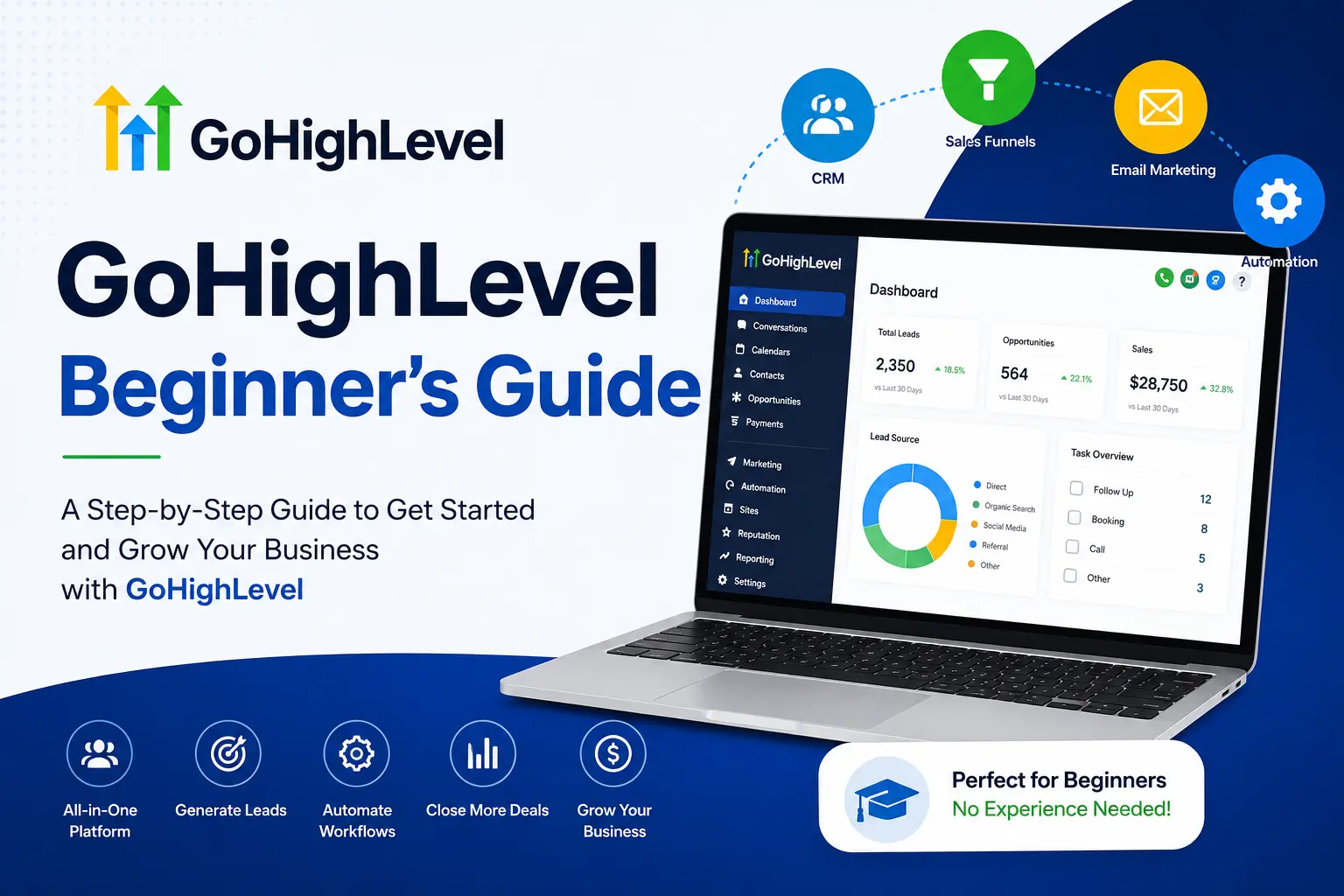
⚡ Quick Answer
GoHighLevel is an all-in-one CRM and marketing platform. As a beginner, you get started fast by setting up your business profile, connecting your domain and phone number, then building one pipeline and one automation before touching anything else.
Your first 3 moves inside GoHighLevel
-
1
Create your account and fill in your business profile -
2
Connect your domain, email sending, and phone number -
3
Build one pipeline and one lead follow-up workflow
Mistakes new GoHighLevel users make
-
✓
Skipping domain setup and sending from a shared address -
✓
Trying to learn every tool before launching anything
You just logged into GoHighLevel for the first time, and the sidebar is packed with menus you don’t recognize yet. Funnels, pipelines, workflows, conversations — it’s a lot in one screen. That feeling passes faster than you think.
I’m Ashraful, and I’ve watched dozens of new agency owners open GoHighLevel and freeze up on day one. The platform bundles a CRM, funnel builder, email and SMS tools, and automation into a single login. That’s exactly why it feels heavy at first.
The fix isn’t learning everything. It’s setting up five core pieces in the right order. Here’s that order, explained one step at a time.
📌 Key Takeaways
-
→
GoHighLevel replaces 5+ tools — CRM, funnels, email, SMS, and scheduling in one login. -
→
Plans start at $97 a month for the Starter tier, with a free trial available. -
→
Domain and email setup comes before funnels — skipping it hurts deliverability. -
→
One workflow beats ten. A single lead follow-up automation is enough to start capturing value.
What Is GoHighLevel?
GoHighLevel is an all-in-one sales and marketing platform built for agencies and small businesses. It combines a CRM, funnel and website builder, email and SMS tools, appointment booking, and automation in one dashboard.
Most beginners come from juggling separate tools. Read our full breakdown of what GoHighLevel does if you want the deeper feature list before you sign up.
You might be thinking a bundled tool must be weaker than dedicated software. Here’s why that’s not the full picture: GoHighLevel covers 80 to 90 percent of what a CRM like HubSpot does, at a fraction of the combined cost of running separate tools.
5+
tools replaced by one login
14
day free trial period
$97
starting monthly price
So if you’re paying separately for a CRM, a funnel builder, and an SMS tool right now, this is the platform designed to fold all three into one bill.
How Do You Set Up Your GoHighLevel Account?
You set up GoHighLevel by creating your account, filling in your business profile, then connecting your domain, email, and phone number before building anything else. Skipping this order causes broken emails and missed calls later.
Most beginners rush past account setup to get to the “fun” parts like funnels. But here’s the thing: a funnel built on an unverified domain sends emails that land in spam. Our step-by-step GoHighLevel sign-up walkthrough covers the exact screens you’ll see.
🔢 Step-by-Step: Core Account Setup
-
1
Start your free trial
Sign up and complete the onboarding wizard about your business type.
-
2
Fill in your business profile
Add your name, logo, address, and time zone under Settings.
-
3
Connect your sending domain
Add a few DNS records so emails send from your own domain, not a shared one.
-
✓
Set up your phone number
Your foundation is ready. Leads can now reach you by call, text, and email.
⚠️ Warning
Never skip domain verification. Emails sent from an unverified domain get flagged as spam, and your open rates will suffer for weeks.
Once your foundation is live, you can move to the parts that actually generate revenue: your CRM and your first funnel.
How Much Does GoHighLevel Cost for Beginners?
GoHighLevel has three flat-rate plans: Starter at $97 a month, Unlimited at $297 a month, and Agency Pro at $497 a month. Most beginners only need the Starter plan, plus small usage fees for texts and calls.
Annual billing brings the Starter plan down to roughly $81 a month. You can confirm current rates on the official GoHighLevel pricing page.
Here’s how the three plans compare for a brand-new user.
Usage fees for texts, calls, and email sends are billed on top and typically add $20 to $50 a month for light use.
So if you’re a solo business owner testing the platform, start on the trial, then land on Starter. You can always upgrade once you take on a second client.
How Do You Set Up the GoHighLevel CRM?
You set up the CRM by importing your contacts, then building one pipeline with clear stages like New Lead, Contacted, and Won. This turns scattered leads into a single, trackable list.
A pipeline is just a visual map of where each lead sits in your sales process. Without one, leads sit in your inbox and get forgotten. See how the GoHighLevel CRM works in full detail if you’re moving contacts over from another tool.
📋 What a Beginner Pipeline Needs
-
Clear stage names: New Lead, Contacted, Booked, Won, Lost — nothing vague. -
Custom fields: Track budget, source, or service interest for each contact. -
One unified inbox: Every SMS, email, and social message in one thread per contact.
Once your pipeline exists, the CRM starts doing its real job: showing you exactly which leads need a follow-up today.
How Do You Build Your First Funnel or Website in GoHighLevel?
You build a funnel by picking a template, editing the pages with the drag-and-drop builder, then connecting it to your pipeline. This turns a page visit into a tracked lead automatically.
A funnel is a set of pages that guide a visitor toward one action — booking a call, buying, or opting in. Building one from scratch is optional. Our GoHighLevel funnel builder guide shows the full drag-and-drop workflow if you want a walkthrough with screenshots.
✅ Tip
Start from a pre-built snapshot for your industry instead of a blank page. It saves hours and already follows proven layout patterns.
That’s not all. Once the pages are live, testing matters just as much as building. Always preview on mobile before publishing, since most leads will click your link from a phone.
How Do You Automate Follow-Up With Workflows?
You automate follow-up by building one workflow that triggers on a form submission and sends an email, then a text, then assigns the lead to your pipeline. This is the single highest-leverage setup for a beginner.
Workflows are GoHighLevel’s automation engine. A trigger starts the sequence, and actions run automatically after it. Read our full guide to GoHighLevel automation for more trigger and action combinations once your first workflow is live.
✅ Pros of Starting With Automation
-
+
Leads get a reply within minutes, not hours -
+
Nothing falls through the cracks manually
⚠️ Watch For
-
−
Too many triggers at once gets confusing fast -
−
Untested workflows can text leads too often
So if you build only one thing this week, make it this workflow. It’s the difference between leads you follow up on and leads you quietly lose.
What Most People Get Wrong About GoHighLevel
New users often believe GoHighLevel is only for large marketing agencies. That’s not accurate. Solo coaches, local service businesses, and consultants use the Starter plan just as often as agencies do.
Another common belief is that the base subscription covers every cost. In reality, texts, calls, and heavy AI use are billed separately based on actual usage, on top of the flat monthly plan.
Many beginners also assume they need to master every feature before launching. You don’t. A working pipeline and one automation are enough to start seeing results while you learn the rest.
Conclusion
GoHighLevel feels overwhelming for exactly one day — the first one. After that, the five-step order in this guide turns the dashboard into a system you actually control.
Set up your profile, connect your domain, build one pipeline, launch one funnel, and automate one follow-up. That’s the whole starting point.
One thing to do right now: log into GoHighLevel and finish your business profile under Settings. It takes under two minutes and unlocks everything else.
Frequently Asked Questions
What is GoHighLevel used for?
GoHighLevel is used to run CRM, funnels, email and SMS marketing, appointment booking, and reputation management from one dashboard. It replaces several separate subscriptions with one platform.
Is GoHighLevel good for beginners?
Yes, if you set up the basics in order first. Most beginners feel comfortable using the platform within about a week of regular, focused use.
Does GoHighLevel have a free trial?
Yes, GoHighLevel offers a 14-day free trial with full access to core features. A credit card is required to start the trial.
How much does GoHighLevel cost per month?
Plans run $97, $297, or $497 a month depending on the tier. Usage-based fees for calls, texts, and email sends apply on top of the base price.
What should a beginner set up first in GoHighLevel?
Set up your business profile, then connect your domain, email, and phone number before building funnels. This order prevents deliverability problems later.
Can GoHighLevel replace my CRM and funnel builder?
Yes. GoHighLevel includes a built-in CRM, pipeline management, and a drag-and-drop funnel builder, so most users retire their separate CRM and funnel tools after switching.
Does GoHighLevel work for a solo business owner, not just agencies?
Yes. Coaches, consultants, and local service businesses commonly use the Starter plan to run their own CRM, calendar, and follow-up without managing client sub-accounts.
